SES.HOSPEDAJES is not working: what to check and what to do
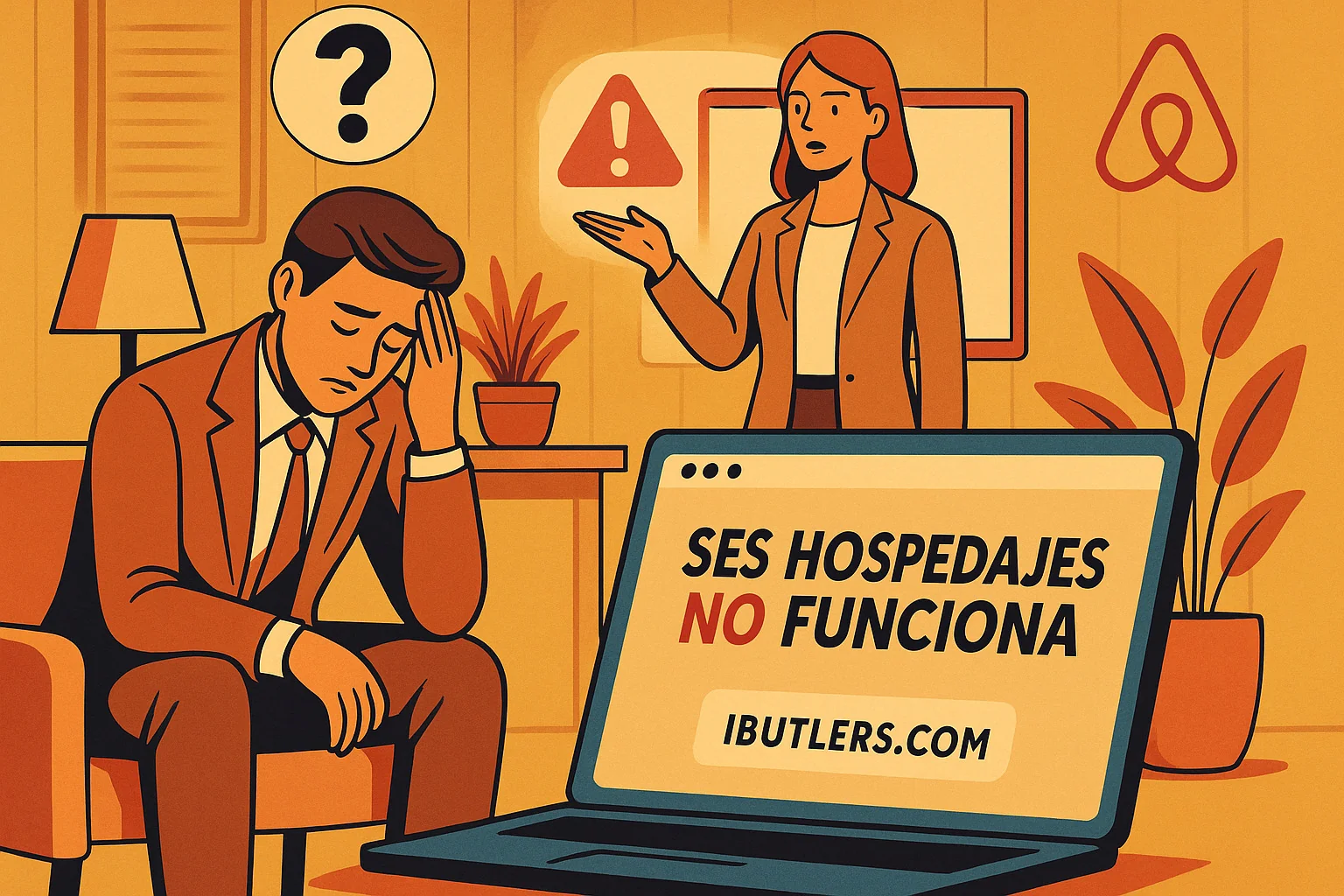
If SES.HOSPEDAJES does not respond or rejects a submission, first identify where the process stops: portal access, the web service connection or data validation. A booking saved in your software does not, by itself, prove that the communication has been accepted.
Editorial review: 18 October 2026. Check the linked official sources before carrying out a procedure.
1. Save the error message and identify the problem
-
Record the date, time, action and error message. Hide identity documents, guest details and credentials before sharing a screenshot.
-
Check whether the official portal is inaccessible or only your software connection is failing. Identify the affected access method before changing credentials.
-
Compare the accommodation, reference and dates with the original booking before changing data or creating another communication.
2. Check access and configuration
Personal portal access and web service credentials serve different purposes. If the error affects a submission from iButlers, check the connection details and the accommodation they belong to; do not share the password with the guest.
- Obtain a web service username and password
- Find the landlord and establishment codes
- Change the web service password
3. Check the data before resubmitting
If the portal has accepted a communication containing an error, do not treat it as a failed submission. Identify the affected communication and follow the appropriate procedure. Avoid repeating the same submission without checking its result, as this could duplicate information.
Guide to correcting or cancelling a communication
4. If the problem continues
Check notices on the official portal and use the technical contact published in the Ministry of the Interior’s FAQs. Provide the error and the time it occurred, using only the personal data needed. A technical incident does not mean legal deadlines are suspended; retain evidence and ask how to proceed in your circumstances.
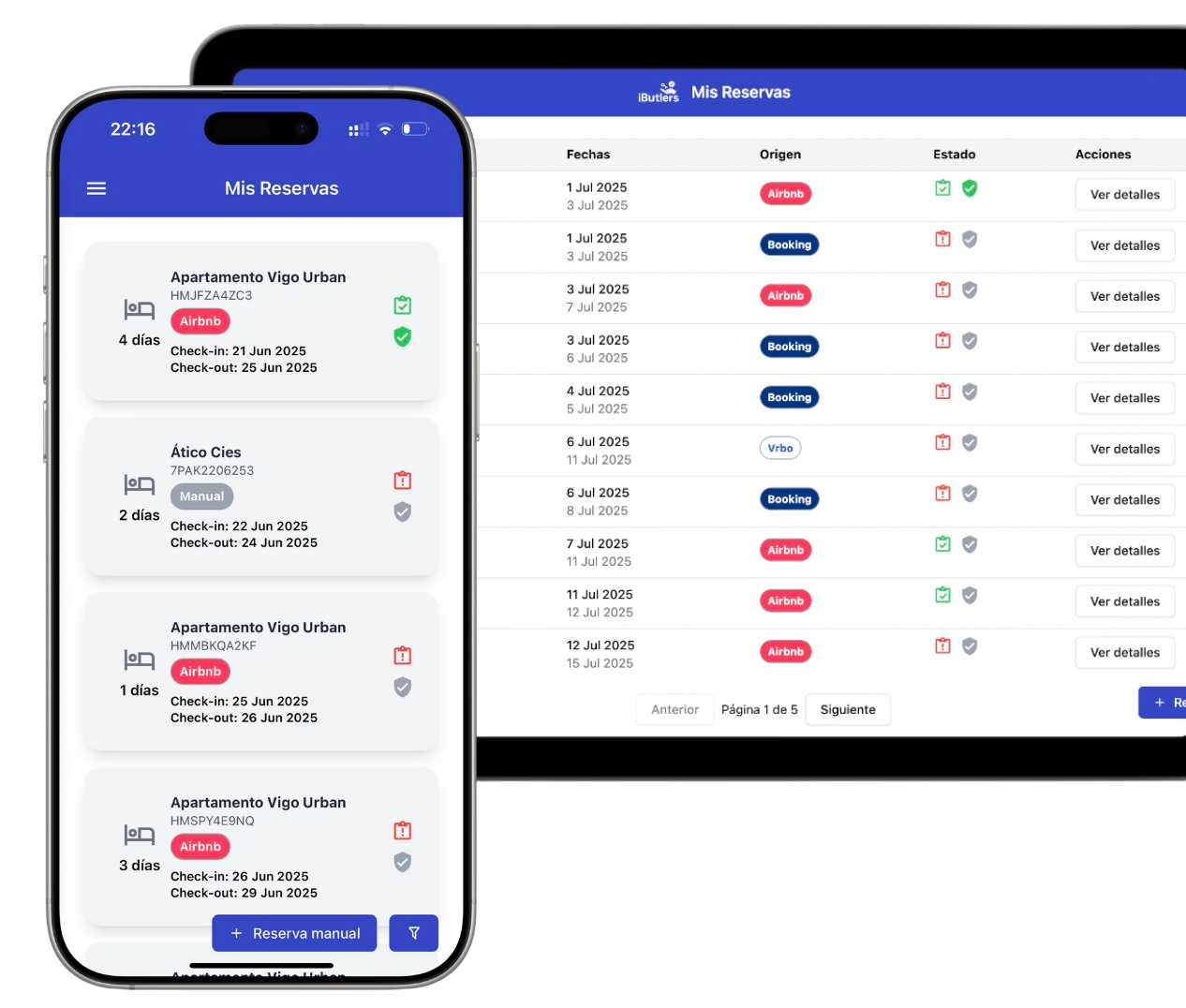
Organise registration and check each result
See how iButlers online check-in works, and check that your configuration and each communication relate to the correct accommodation.