How to change your web services password to automate data submissions to SES Hospedajes
STEPS:
1: Go to:
https://sede.interior.gob.es/portal/sede/tramites?idAgrupacion=18
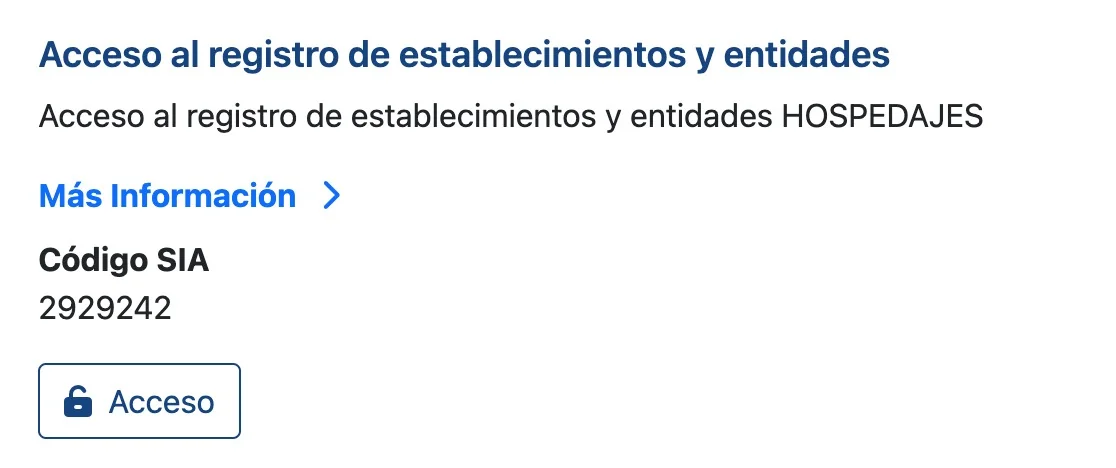
2: Click ‘Acceso al registro de establecimientos y entidades’ (Access to the register of establishments and entities)
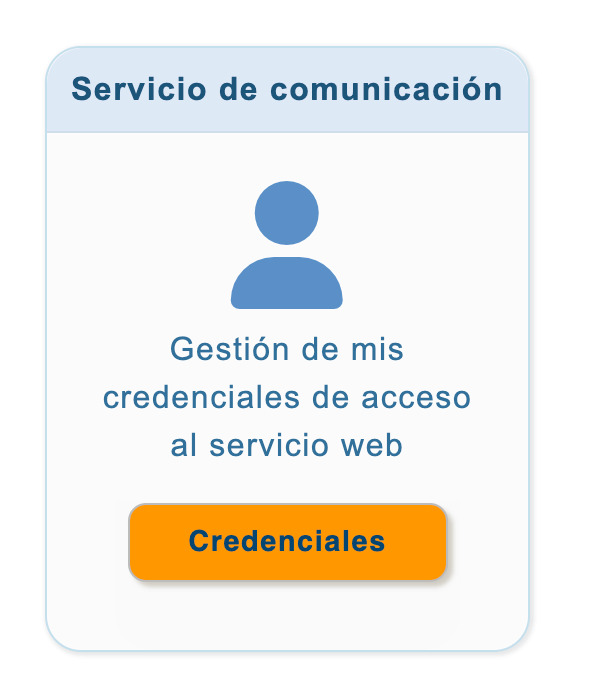
3: Click ‘Gestión de mis credenciales de acceso al servicio web’ (Manage my web service access credentials)
4: Select the entity

5: Click ‘Cambiar contraseña’ (Change password)
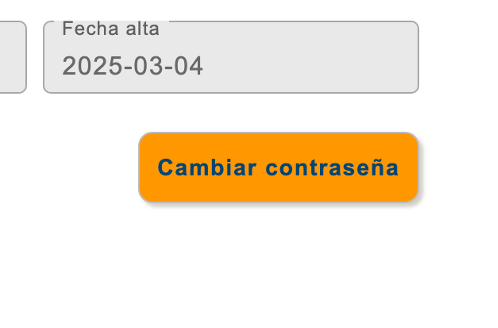
6: Enter the ‘Nueva Contraseña’ (New password) and click ‘Guardar’ (Save)
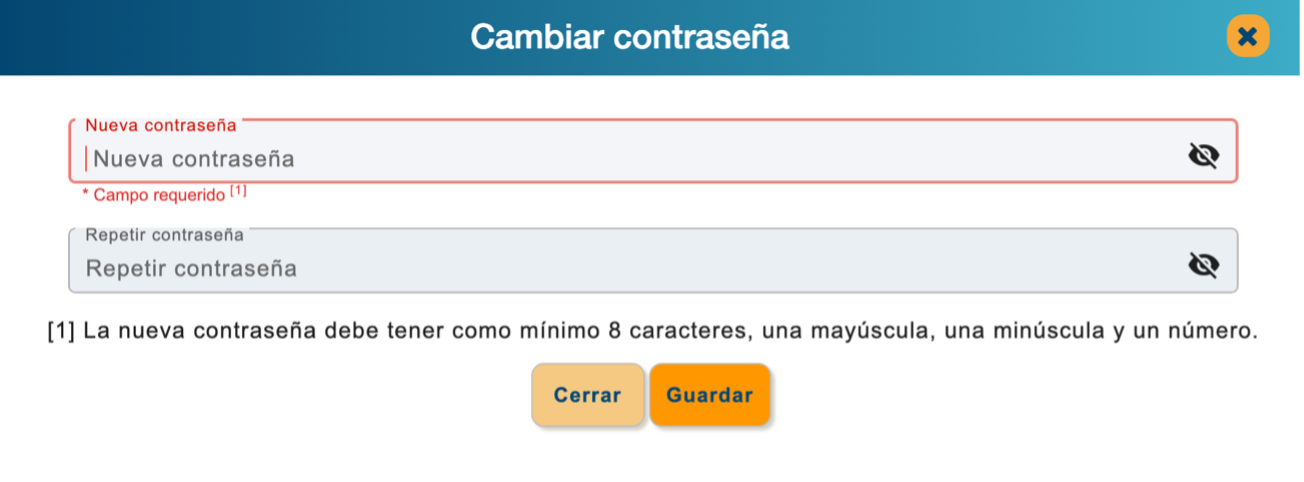
NOTE: Do not use special characters, only upper- and lower-case letters and numbers
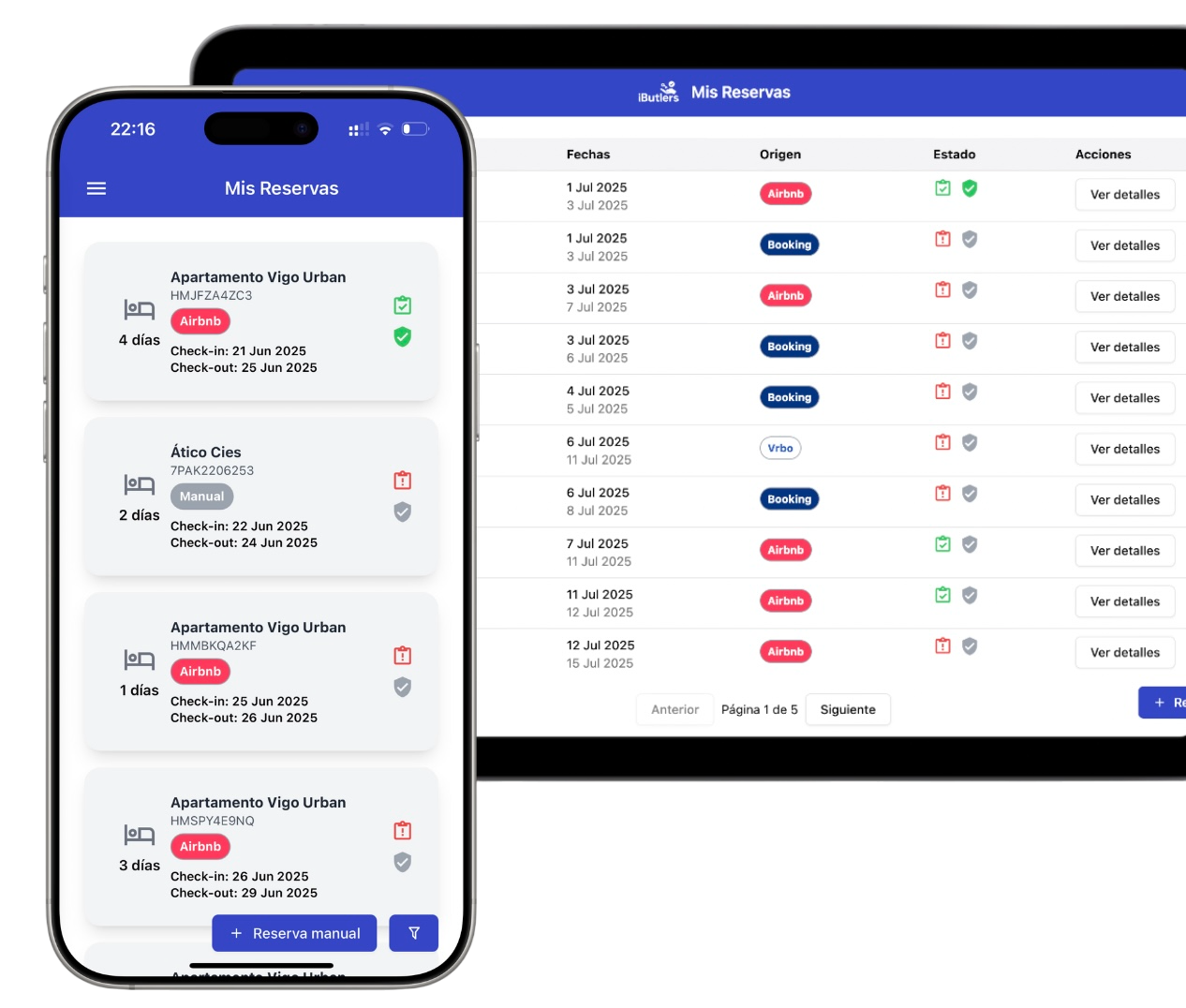
💡 iButlers, the best solution
Automate compliance with Royal Decree 933 2021 and the GDPR without complications. We collect only the data required by law, without storing copies of documents.
- Legal and secure identity verification
- Automatic submission of reports to the Ministerio del Interior
- Protecting your guests' privacy
✅ Visit our website or email contacto@ibutlers.com