Obtain a web service username and password for SES Hospedajes
1. Open SES Hospedajes by clicking here, and open “Hospedajes” (Accommodation).
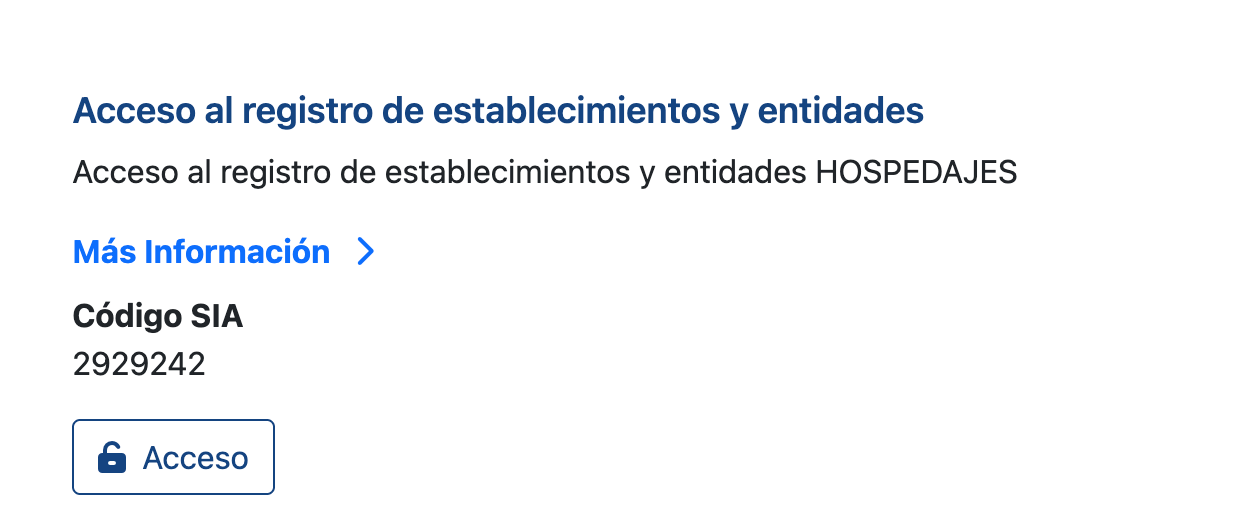
2. Click “Acceso al registro de establecimientos y entidades” (Access to the register of establishments and entities).
3. Sign in with your electronic certificate or Cl@ve.
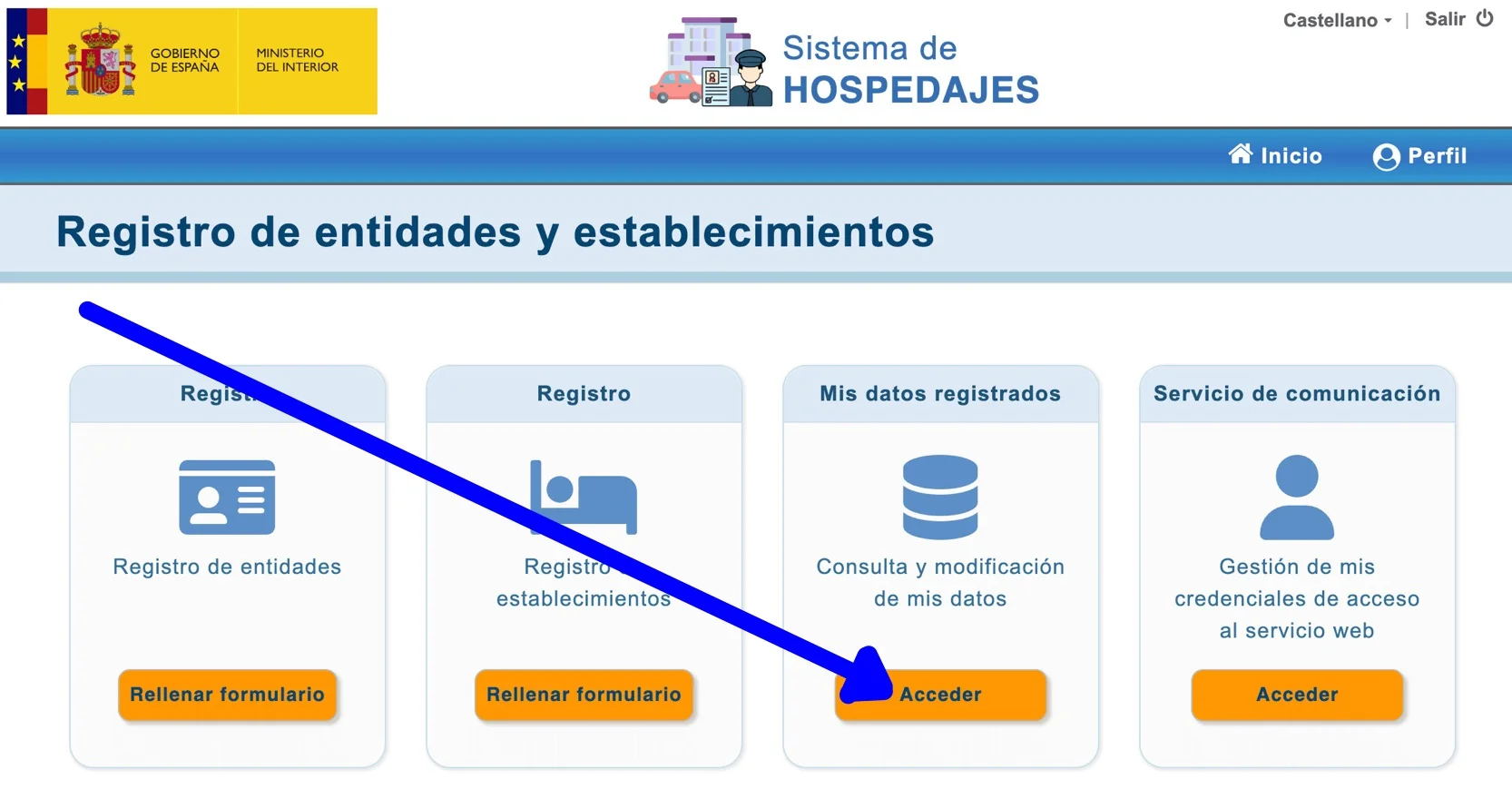
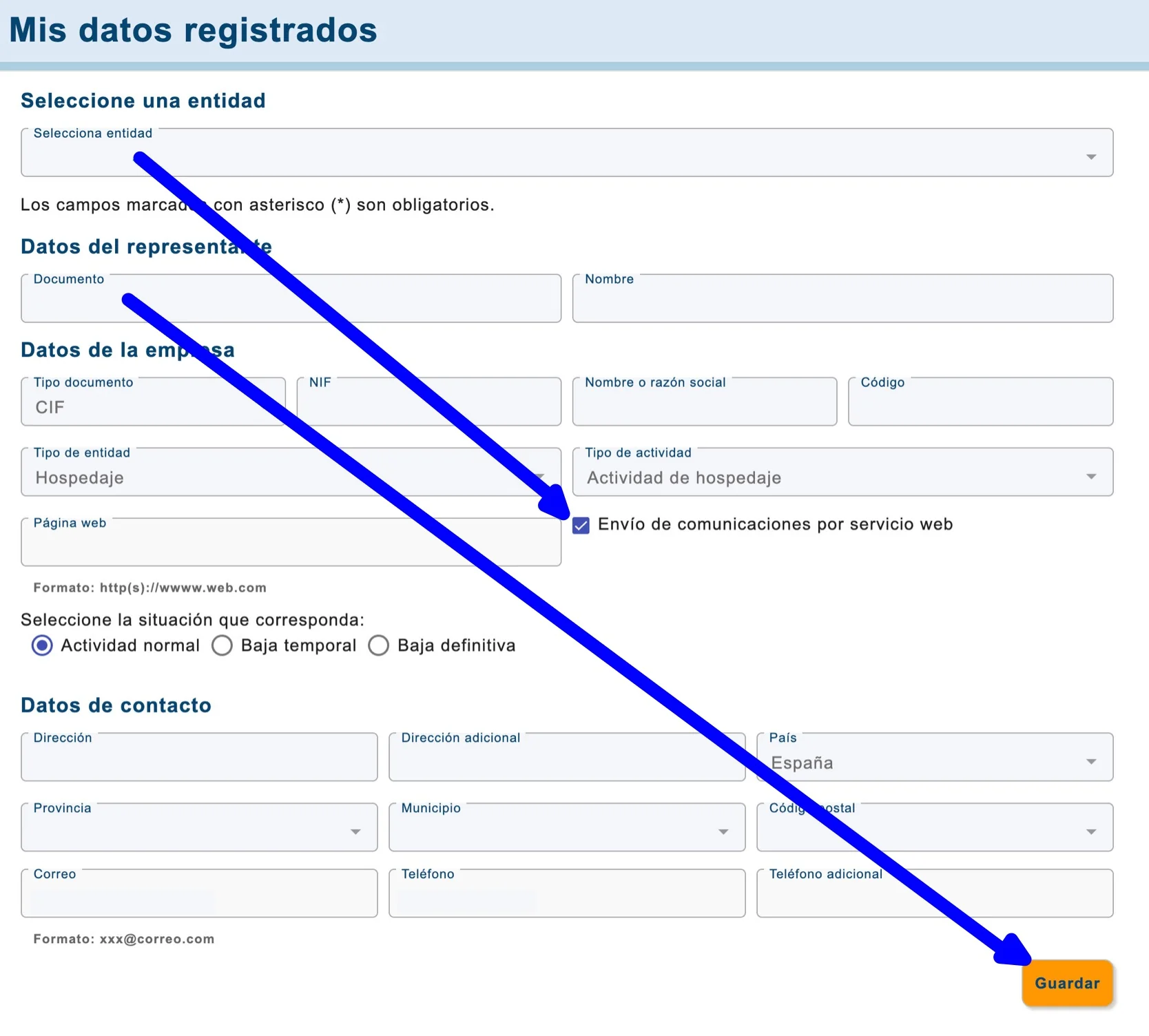
4. Click “Acceder” (Access) in the “Mis datos registrados” (My registered details) section.
5. Tick the “Envío de comunicaciones por servicio web” (Submit reports via web services) box and click “Guardar” (Save). If this box is not ticked, we will not be able to submit the data automatically.
⚠️ Important: make sure you tick the checkbox “Envío de comunicaciones por servicio web” (Submit reports via web services).
6. Within a few minutes, you should receive an email containing your username and password from no-reply_hospedajes@ses.mir.es.
⚠️ Remember: you must use the password under “Credenciales para envío de información a través de servicios web” (Credentials for submitting information through web services), not the password for general access to the portal.
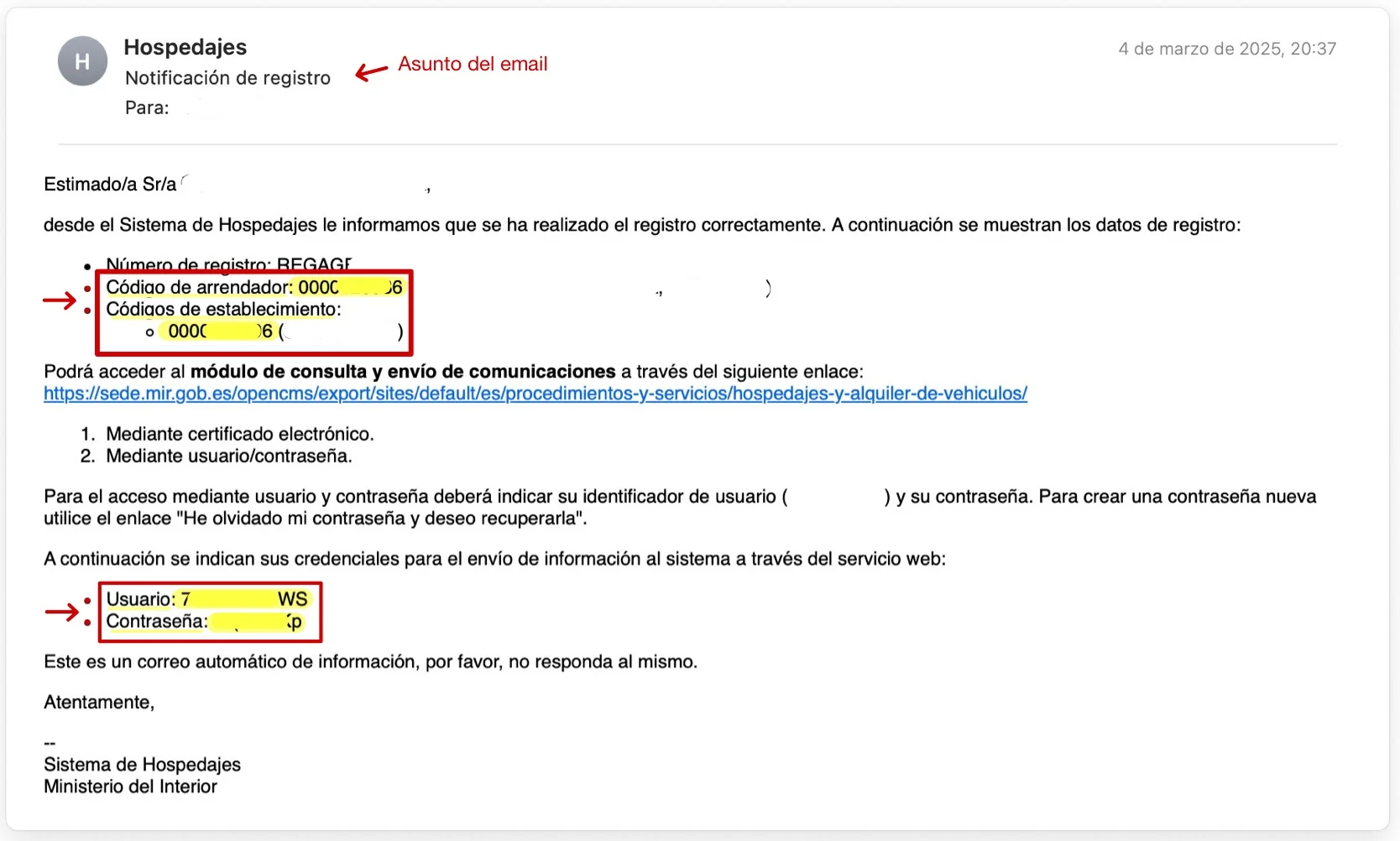
⚠️ Please note: if you cannot find your details, or you have forgotten your password and need to change it, follow these instructions:
Accommodation provider code, establishment code, username and password for the SES Hospedajes web service
⚠️ Please note: if you need to change the web services password to automate data submissions to SES Hospedajes, follow this guide:
How to change your web services password to automate data submissions to SES Hospedajes
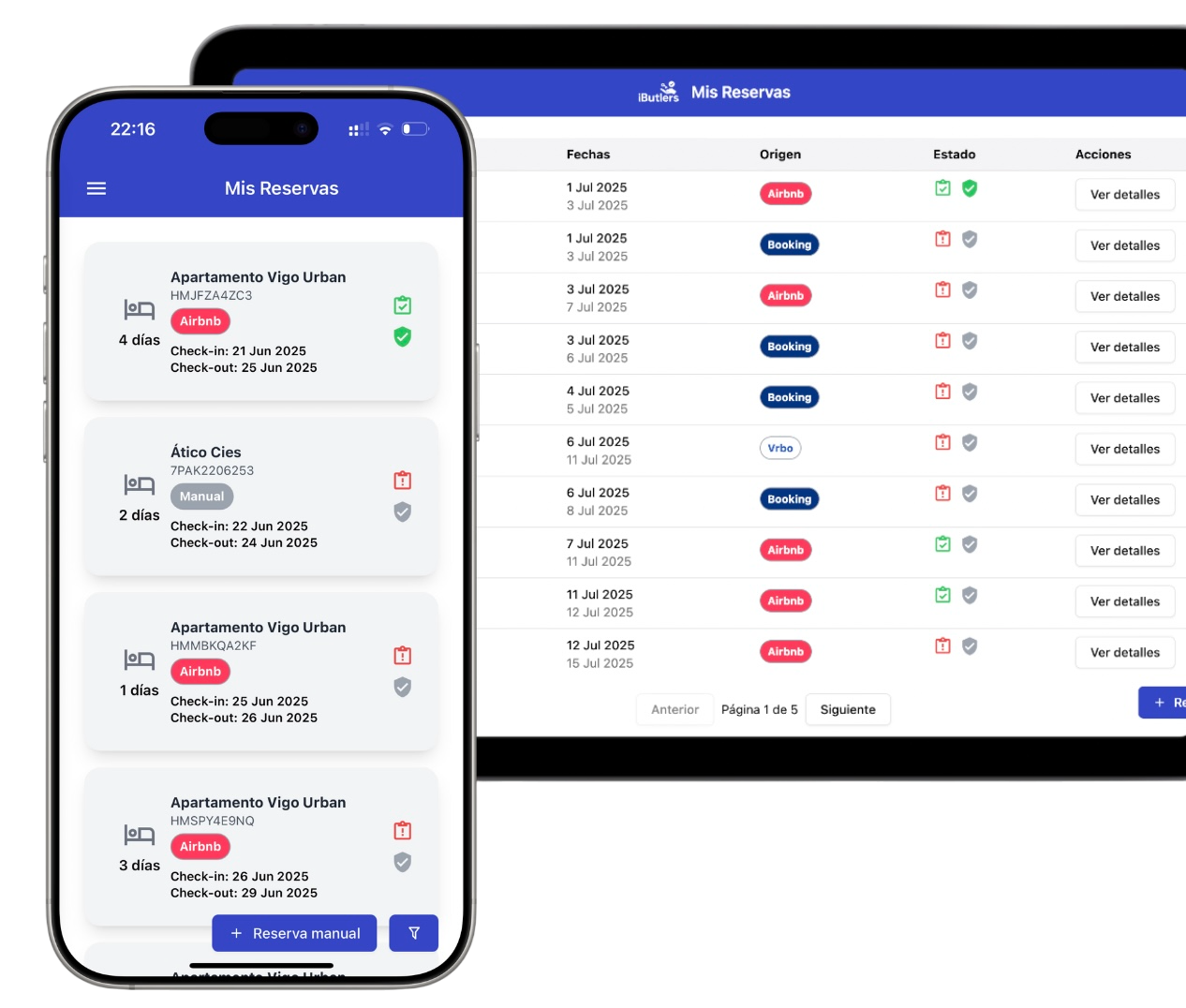
💡 iButlers, the best solution
Automate compliance with Royal Decree 933 2021 and the GDPR without complications. We collect only the data required by law, without storing copies of documents.
- Legal and secure identity verification
- Automatic submission of reports to the Ministerio del Interior
- Protecting your guests' privacy
✅ Visit our website or email contacto@ibutlers.com