Guests arriving on different days for one booking: how do you register them?
⚠️ Guests must be registered using the date on which they actually arrive.
📄 A guest report must be submitted on each day that new guests arrive.
The best way to comply with the regulations is as follows:
1️⃣ Register the guests who will actually arrive on the first day in the original check-in form (guest registration report).
2️⃣ To add more guests on subsequent days, we create a manual booking, but this is not sent to SES Hospedajes.
- The booking must have the booking code of the original booking (“Referencia del contrato”), adding ‘bis’ or a number to that code, but using the dates of the second group of guests. The code cannot be exactly the same.
- The booking is not submitted to SES Hospedajes at this stage.
- The form (guest registration form) for this booking is completed by the new guests.
- On the day the new guests arrive, the guest report will be sent to SES Hospedajes automatically.
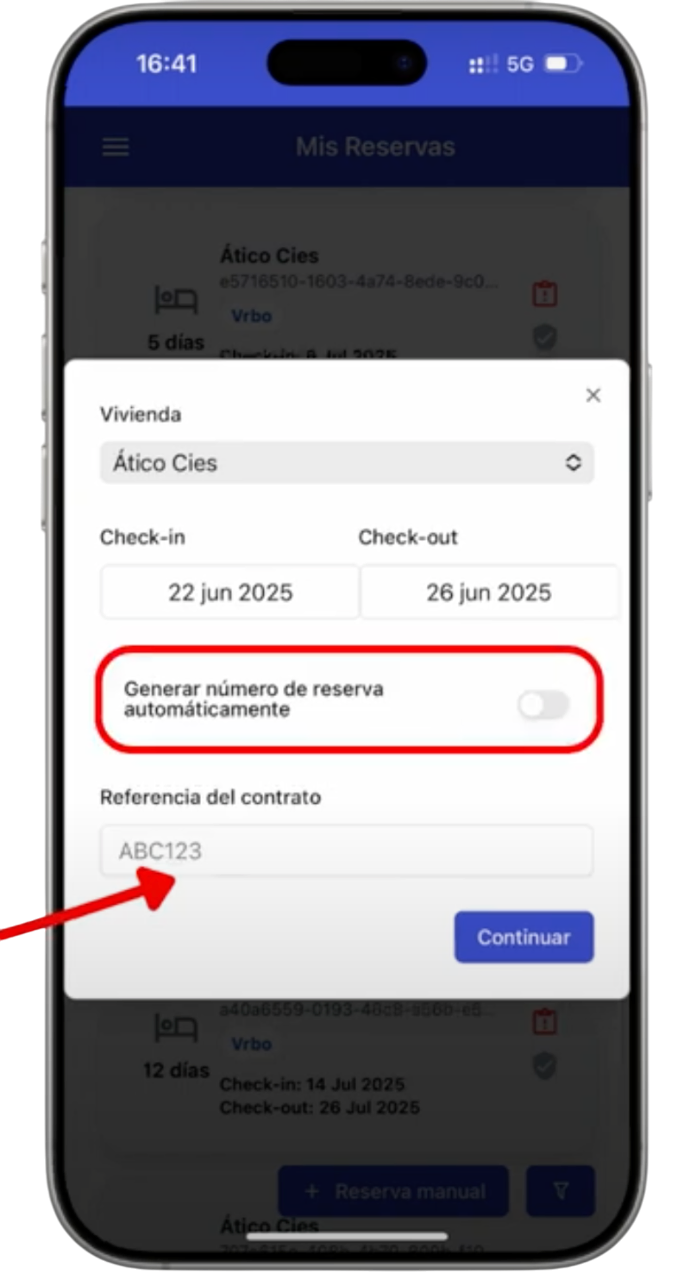
ℹ️ Learn step by step how to create manual bookings in iButlers. Read the full guide here: ➜ View tutorial
📌 Example booking: 4 guests – 7 nights in July
Length of stay: from 1 to 8 July (7 nights).
Total number of guests: 4 people.
🟦 Original booking
- Guests arriving on the first day: 3 people.
- Original booking dates: from 1 to 8 July.
- Guest registration form: is completed at the initial check-in on 1 July for those 3 guests.
- Submission to SES Hospedajes: on 1 July, with those 3 guests' details.
🟦 Manual booking (add a guest later)
- Fourth guest: arrives on 3 July.
- New manual booking: must have the same reference code as the original, but with dates from 3 to 8 July.
- Guest registration form: only this fourth guest completes it when checking in on 3 July.
- Submission to SES Hospedajes: is sent automatically on 3 July with this guest's details.
✅ This means:
– On 1 July the arrival of 3 guests is reported.
– On 3 July the 4th guest's arrival is reported.
– The legal requirement to submit a guest report on each day that new guests arrive is met.
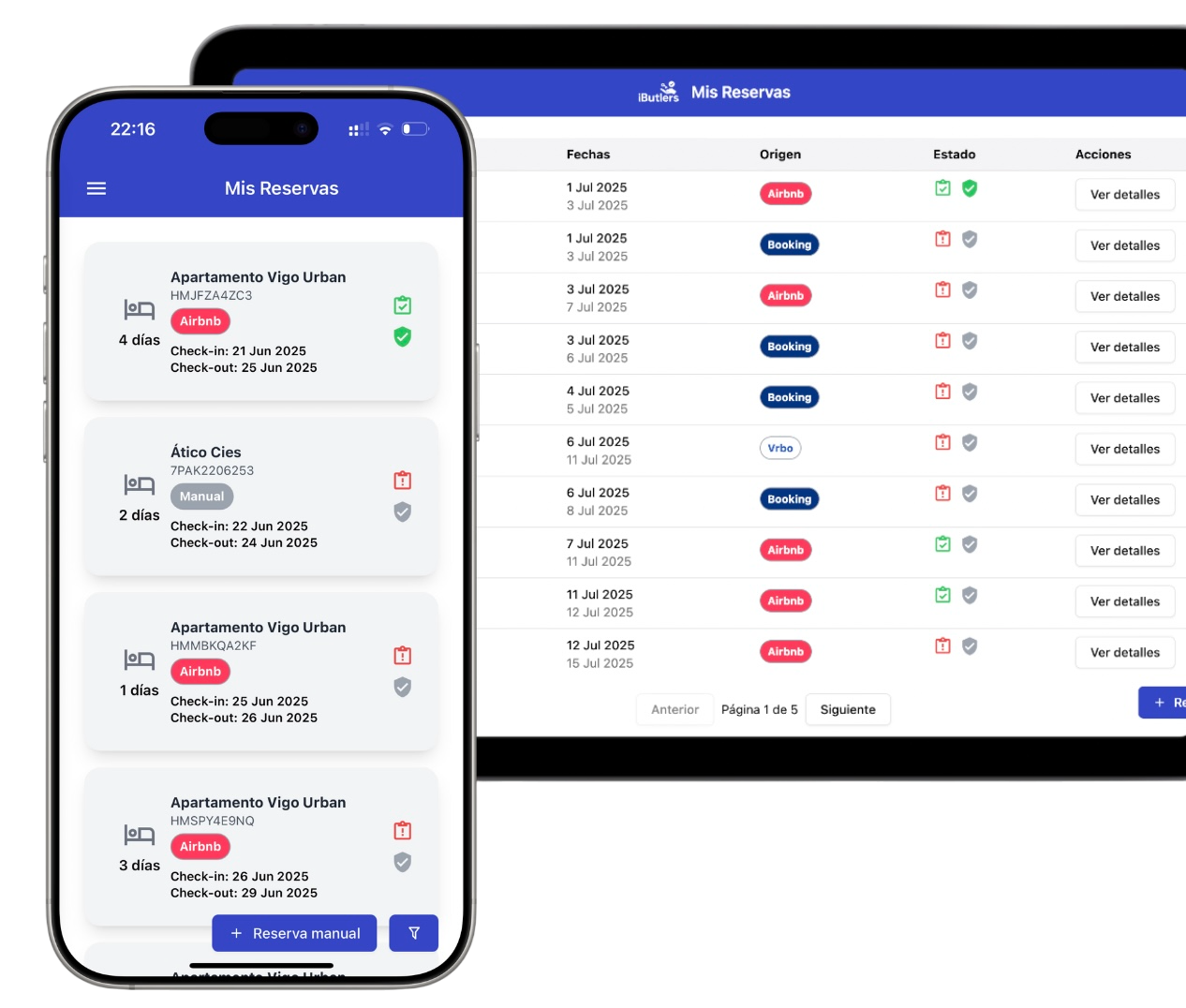
💡 iButlers, the best solution
Automate compliance with Royal Decree 933 2021 and the GDPR without complications. We collect only the data required by law, without storing copies of documents.
- Legal and secure identity verification
- Automatic submission of reports to the Ministerio del Interior
- Protecting your guests' privacy
✅ Visit our website or email contacto@ibutlers.com