Automatic check-in link
After booking, the guest receives a personalised link to enter their details before arrival.

ONLINE CHECK-IN
Send a link after booking so your guests can check in remotely and securely, without manual intervention.
After booking, the guest receives a personalised link to enter their details before arrival.
The guest electronically signs the form and contract from any device, legally and securely.
Transform the guest experience. Fast, convenient and frictionless.
Avoid tedious tasks. The system does the work for you, with greater accuracy, and sends the details to the authorities.
Reduce registration time for both you and your guests.
All information is automatically stored on our secure platform.
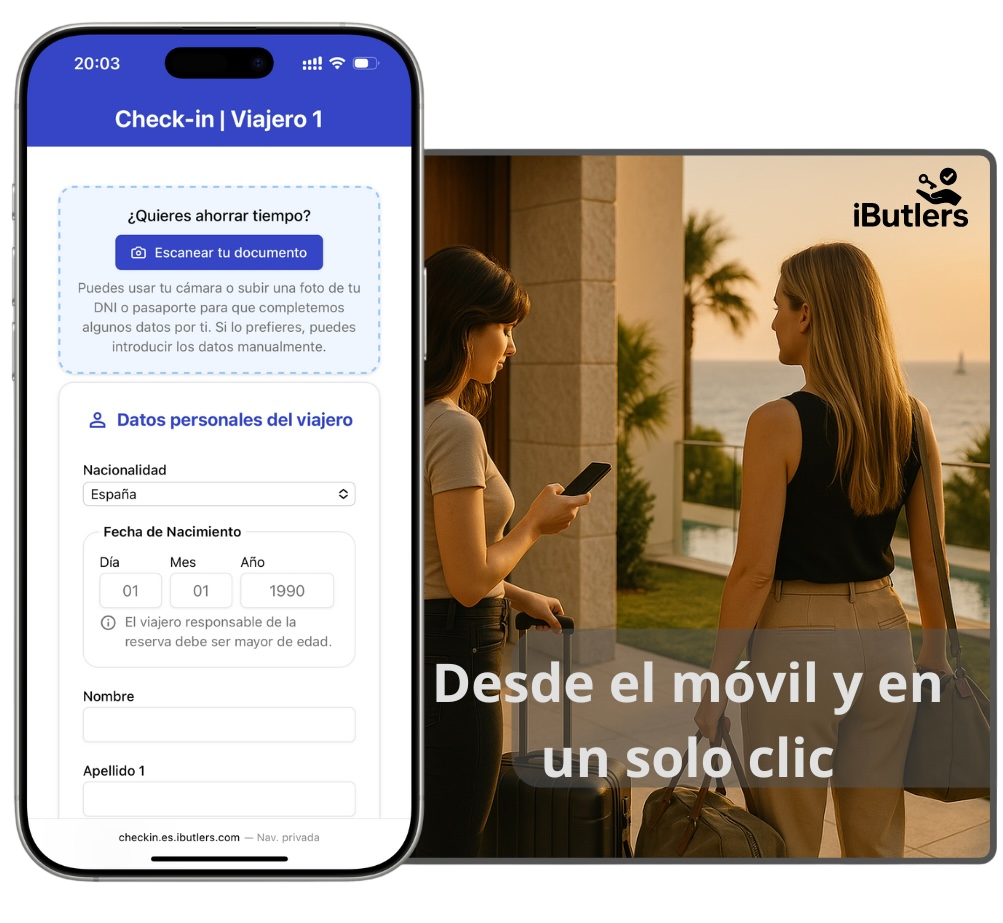
Online check-in is very straightforward and can be completed in less than 1 minute.
The system automatically sends codes or virtual keys to your guests after they complete online check-in.
More informationNot every arrival is organised in the same way. Review the process your property needs, from booking to guest assistance.
Collect details ahead of time and prepare for arrival. Decide who will help the guest if information is missing or the booking changes.
Check-in for holiday apartmentsCheck where each booking comes from and which property it belongs to. Review the information each connection provides before automating tasks.
Explore connections and synchronisationPrepare the details before travelling and agree on how to handle arrivals. Keep an alternative available for anyone who needs help registering.
Check-in for rural accommodationOur system is designed to let your guests complete registration quickly, easily and without any hassle, in under 2 minutes.
We link your bookings and automatically generate a unique link for each one.
Guests open the link, fill in their details and sign, with no apps or passwords.
The information is sent to SES Hospedajes automatically.
A completed form does not, on its own, show that a submission has been accepted. Arrange these checks separately.
The guest provides the details. Check that they match the people and the booking you are managing.
Review any outstanding information and the identity verification procedure that applies to your accommodation.
Confirm that the settings and reporting destination are correct for that property.
Check the result and any issues before repeating a submission or considering the task complete. Avoid duplicate reports.
What to check if you need to correct or cancel a guest report
Sign up now and discover how iButlers can make your life easier.
Sign up for freeAll your documentation and bookings in one place on your iButlers dashboard.
Registration can be completed from any device with an internet connection.
Guests enter their details before they arrive.
The system automatically generates guest registration reports and submits them to the authorities.
The guest signs electronically from any device.
The system automatically sends codes or virtual keys to your guests after they complete online check-in.
Contact us and we will answer your questions.
Contact usFind guides to signing up and answers to common questions about SES Hospedajes.