GUIDE: How to register with SES Hospedajes

From 2 December 2024, all tourist accommodation providers in Spain must register their guests through the SES Hospedajes platform operated by the Ministerio de Interior (Ministry of the Interior).
Follow these steps to register your accommodation.
Prerequisites
Recommended device: Although you can complete the process on a mobile phone, the platform is far from easy to use. We recommend using a computer to make the process easier.
Digital identification: You will need to identify yourself on the Ministry's website using Cl@ve or with a digital certificate.
Digital signature: During registration, you will need to sign electronically using Cl@ve Firma or AutoFirma. Make sure you have one of these methods set up.
Registration steps
1. Access the portal
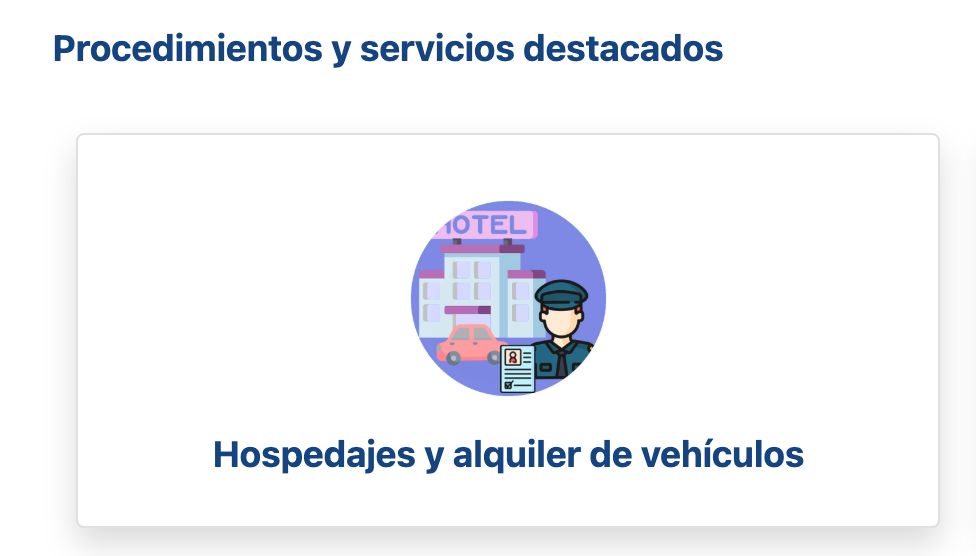
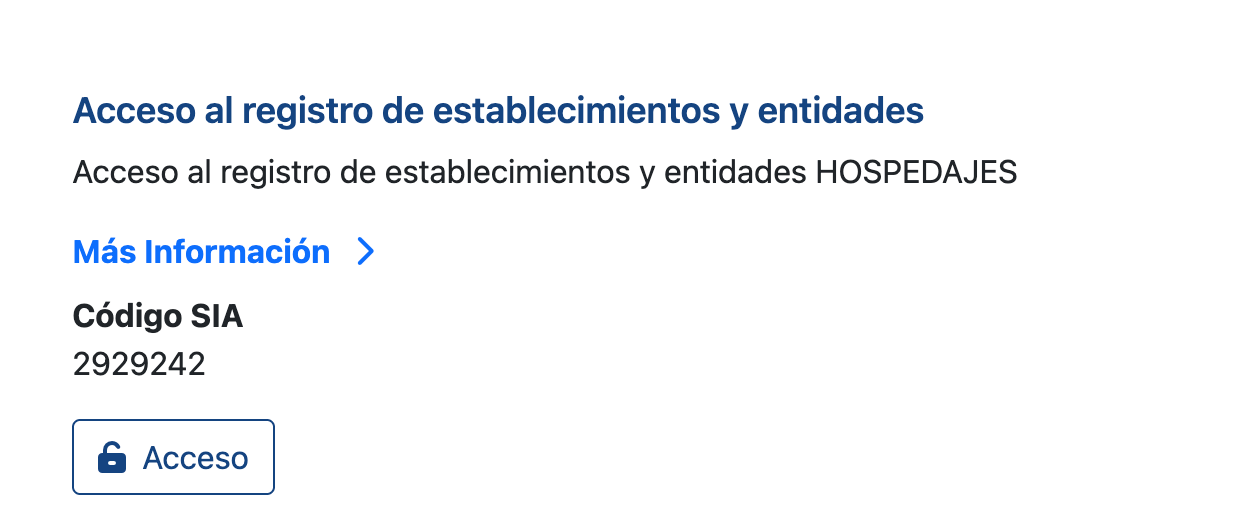
Visit the SES Hospedajes portal using this link and select “Acceso al registro de establecimientos y entidades” (Access the establishment and entity register), under “Hospedajes” (Accommodation).
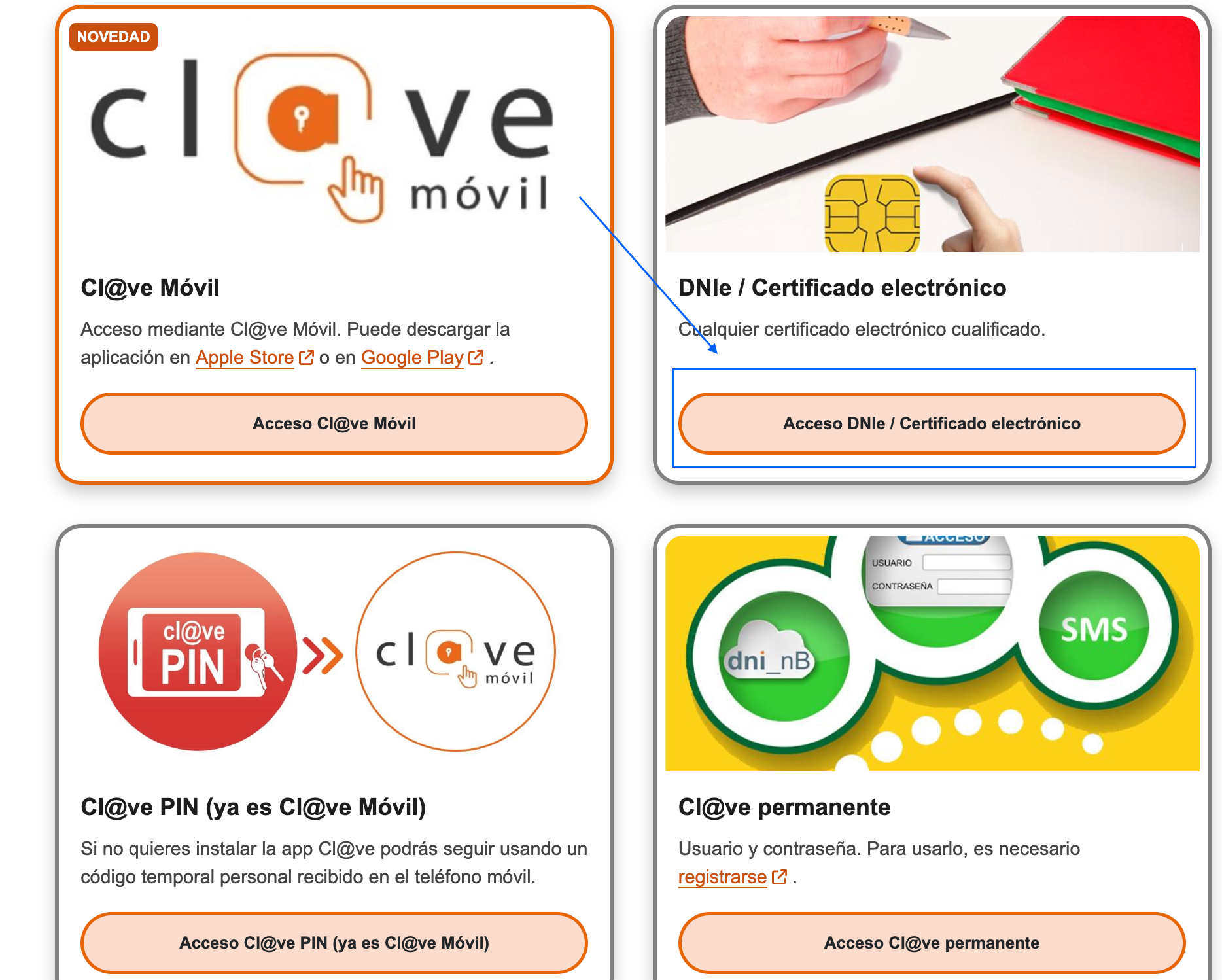
2. Identification
Choose your identification method. We recommend “Acceso por DNI Electrónico” (Access using an electronic DNI), but you can also use the Cl@ve Móvil app, available for iPhone and Android.
3. Check the email address
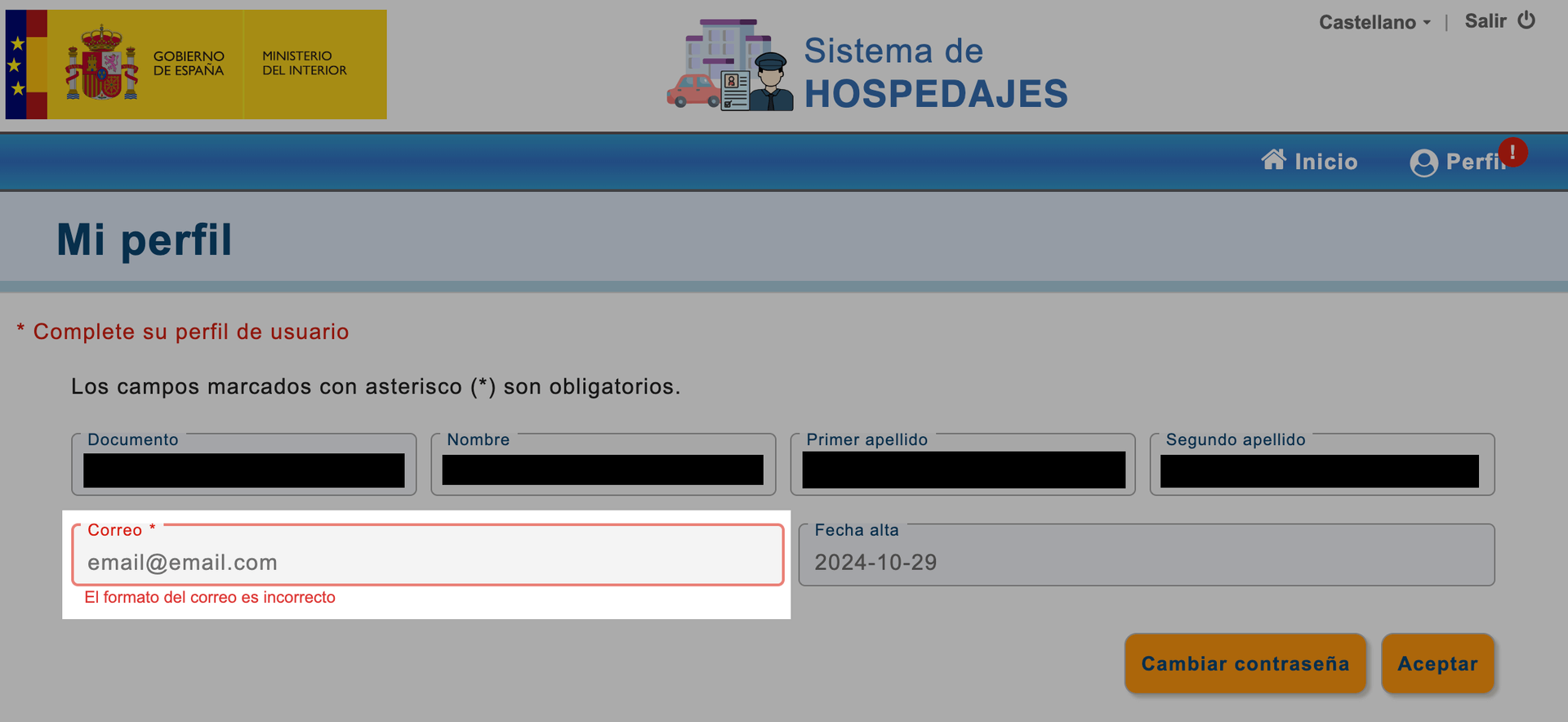
Once you are logged in, click Profile (‘Perfil’).
Check that your email address is correct and update it if necessary.
This step is very important, as your access details will be sent to that address.
4. Start registration
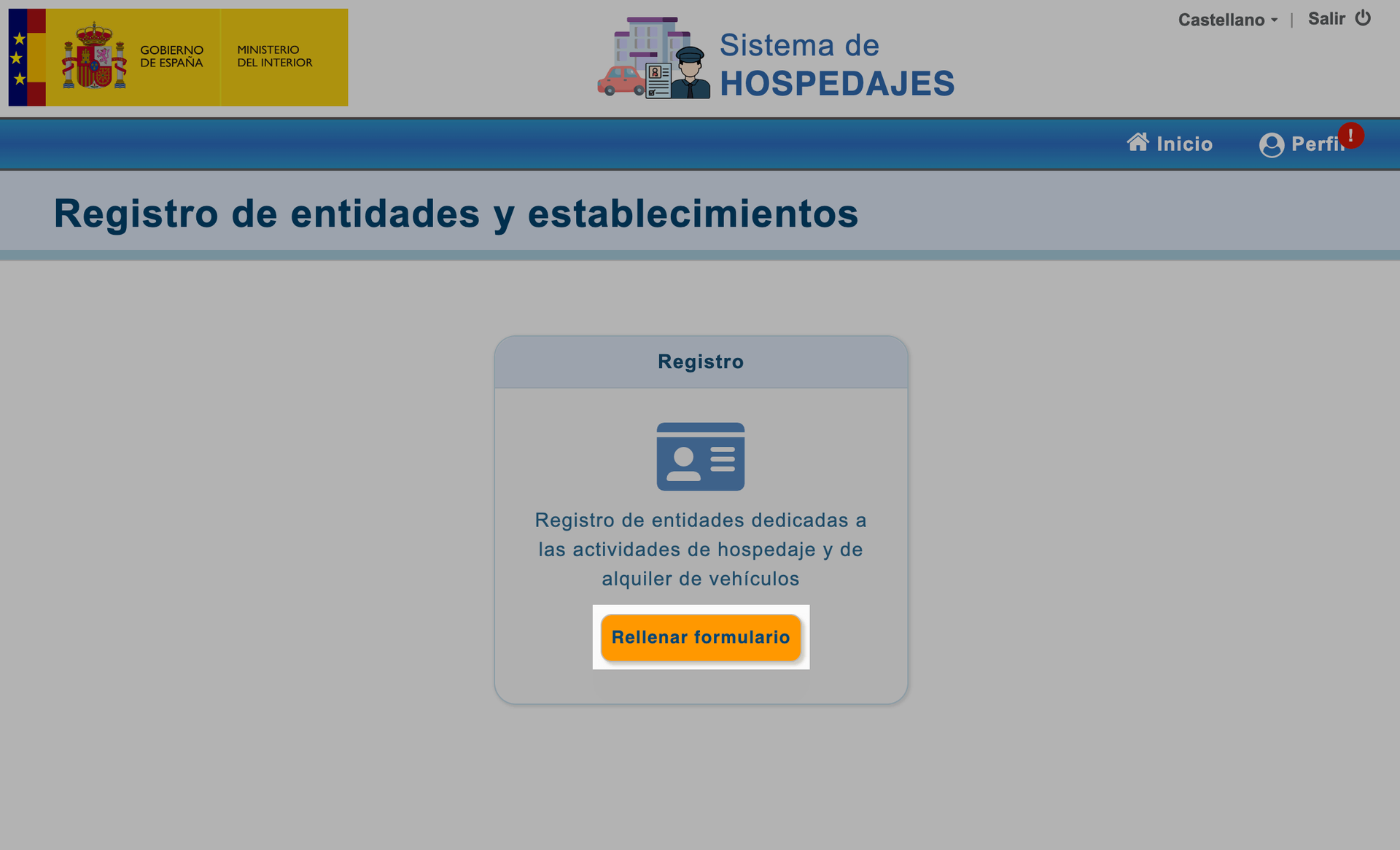
Return to the main page by clicking “Inicio” (Home).
Click “Rellenar formulario” (Complete the form) to begin registration.
5. Choose how you want to register the entity
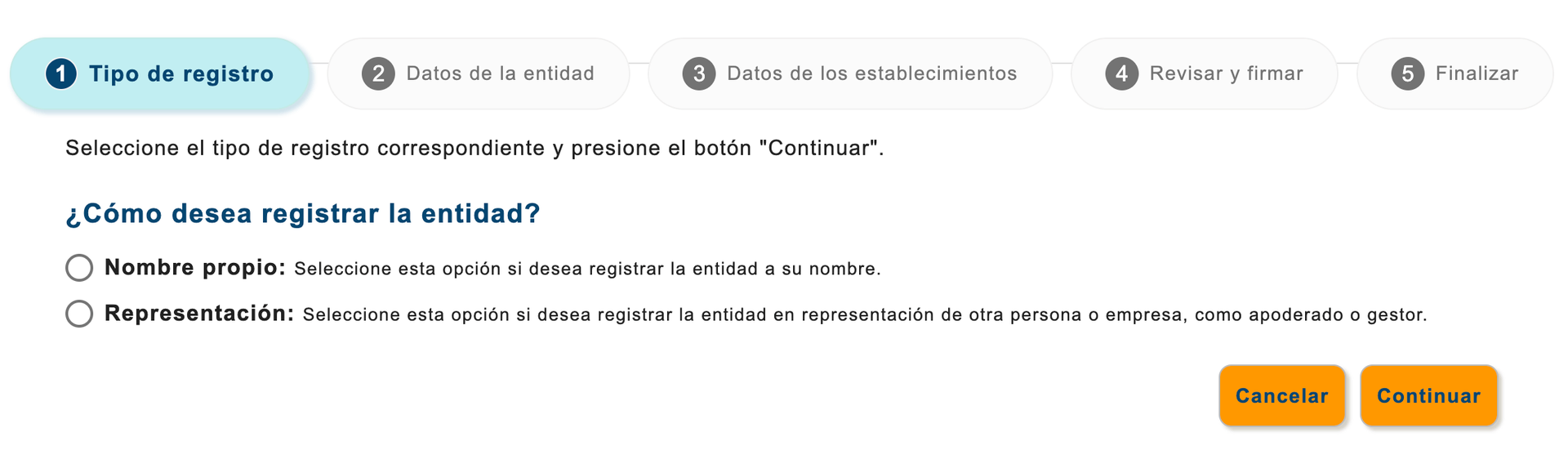
Choose whether you want to register the accommodation in your own name or on behalf of a company as an authorised representative or manager.
Click ‘Continuar’ (Continue).
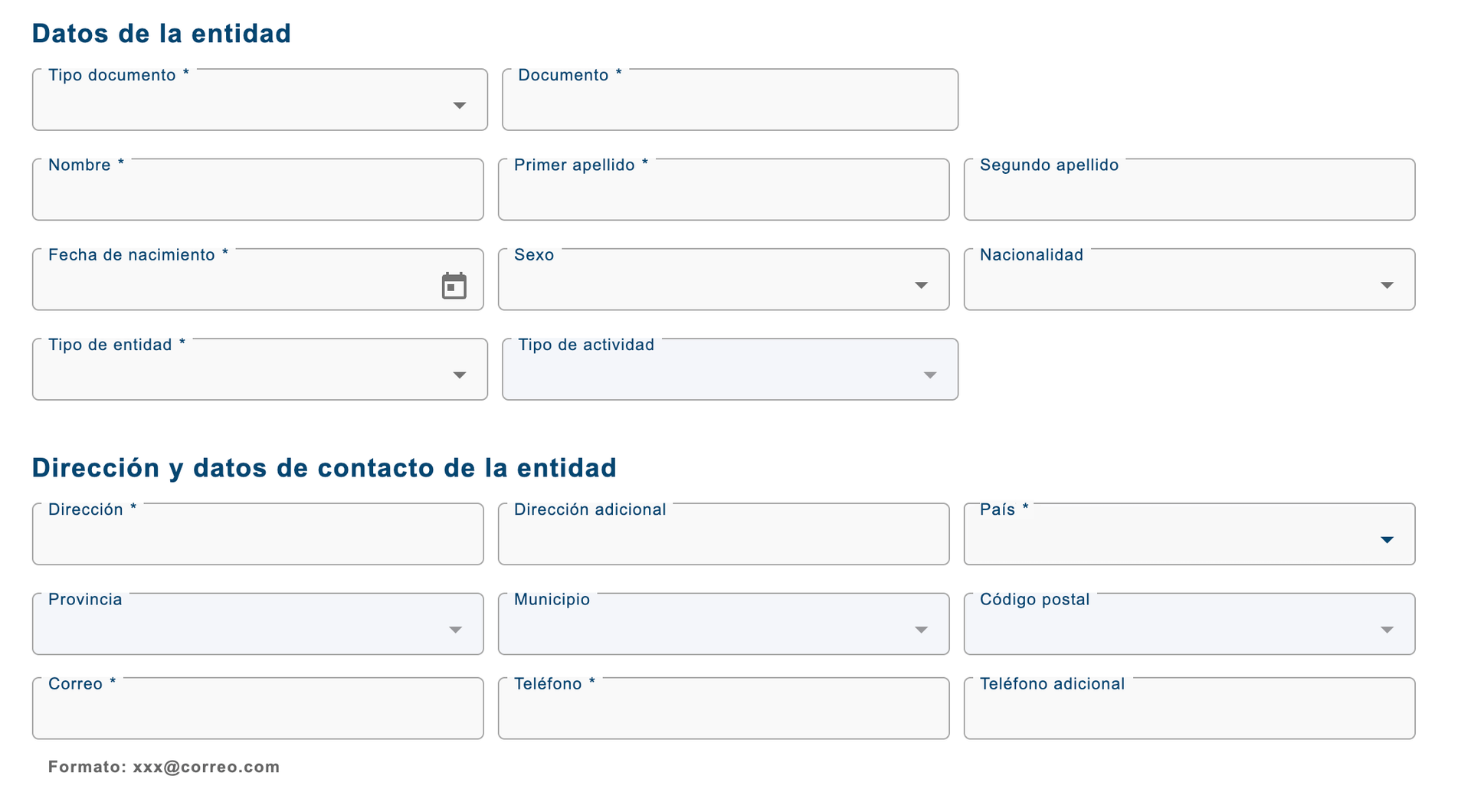
6. Fill in the details
Fill in all the details requested in the form.
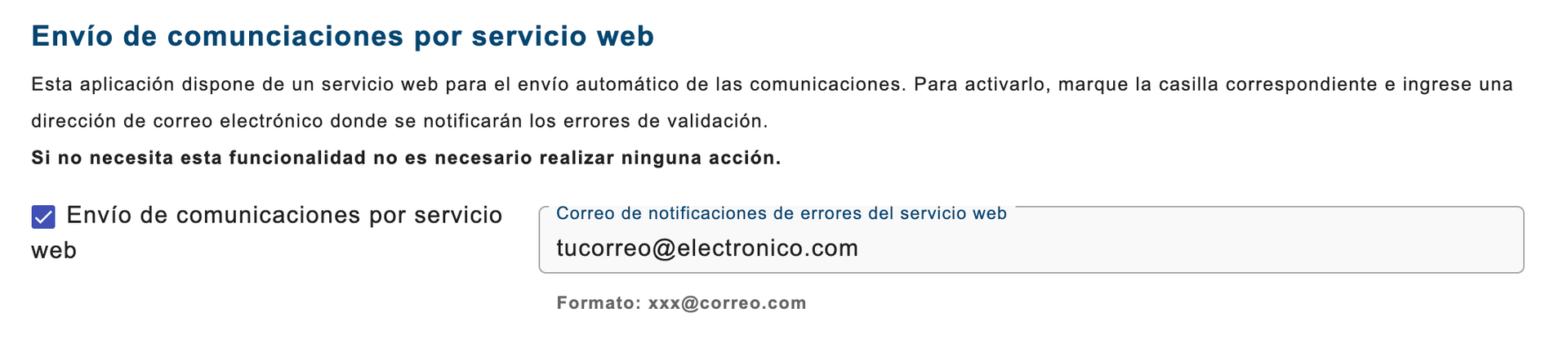
7. IMPORTANT: Tick the “Envío de comunicaciones por servicio web” box
Tick the “Envío de comunicaciones por servicio web” (Submit information via web service) checkbox so you can submit your guests’ data through services such as iButlers.
Enter your email address in the “Correo de notificaciones de errores del servicio web” (Email for web service error notifications) field.
Click “Continuar” (Continue).
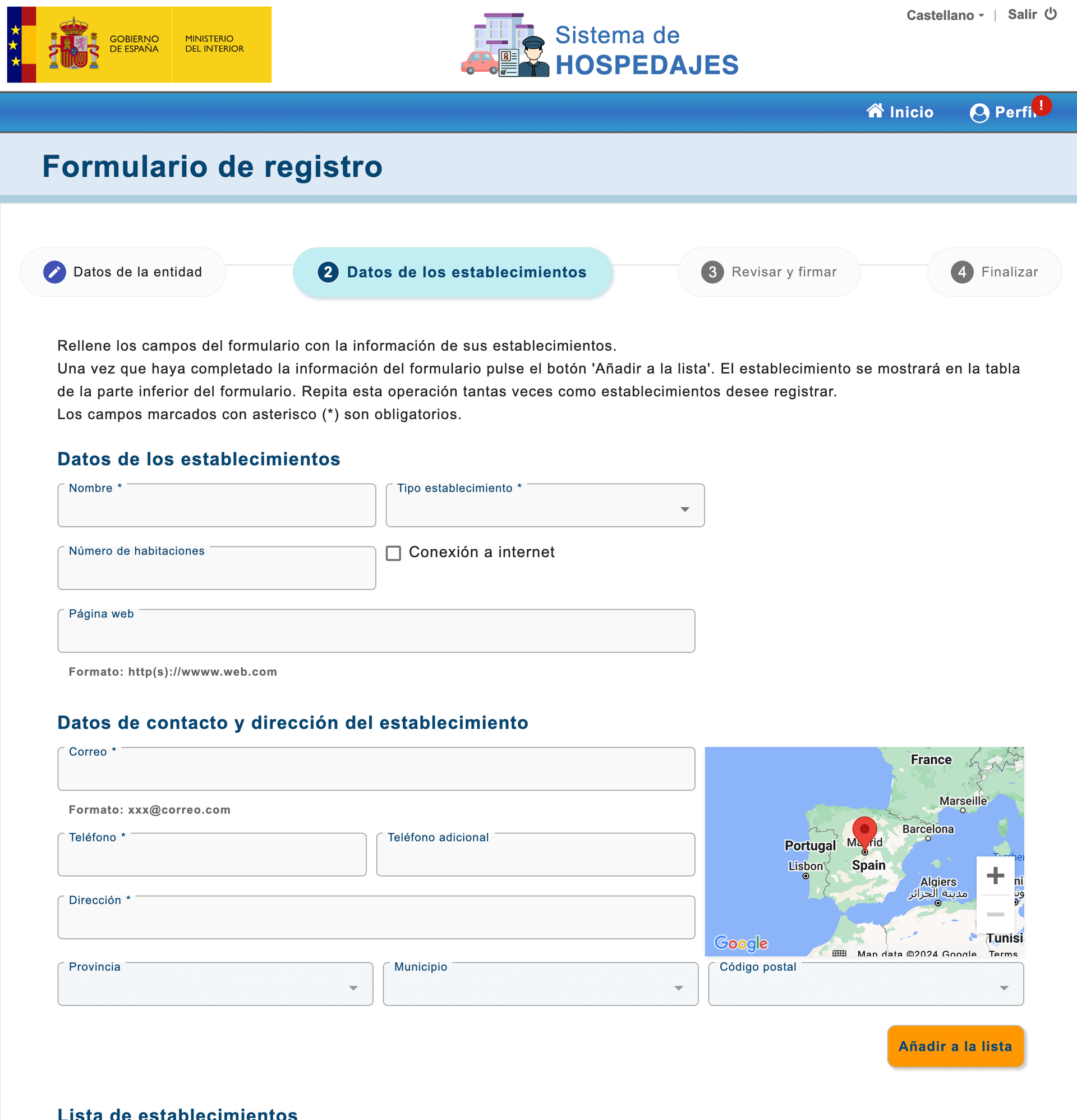
8. Add establishments
Enter the details of each property and click “Añadir a la lista” (Add to the list).
If you have several properties, we suggest starting with just a couple and checking that the signing process works correctly. Once you have confirmed this, you can return to this step and add the remaining establishments without any problems.
Once you have added your properties, click ‘Continuar’ (Continue).
9. Review and sign the registration
Check all the details you have entered to make sure they are correct.
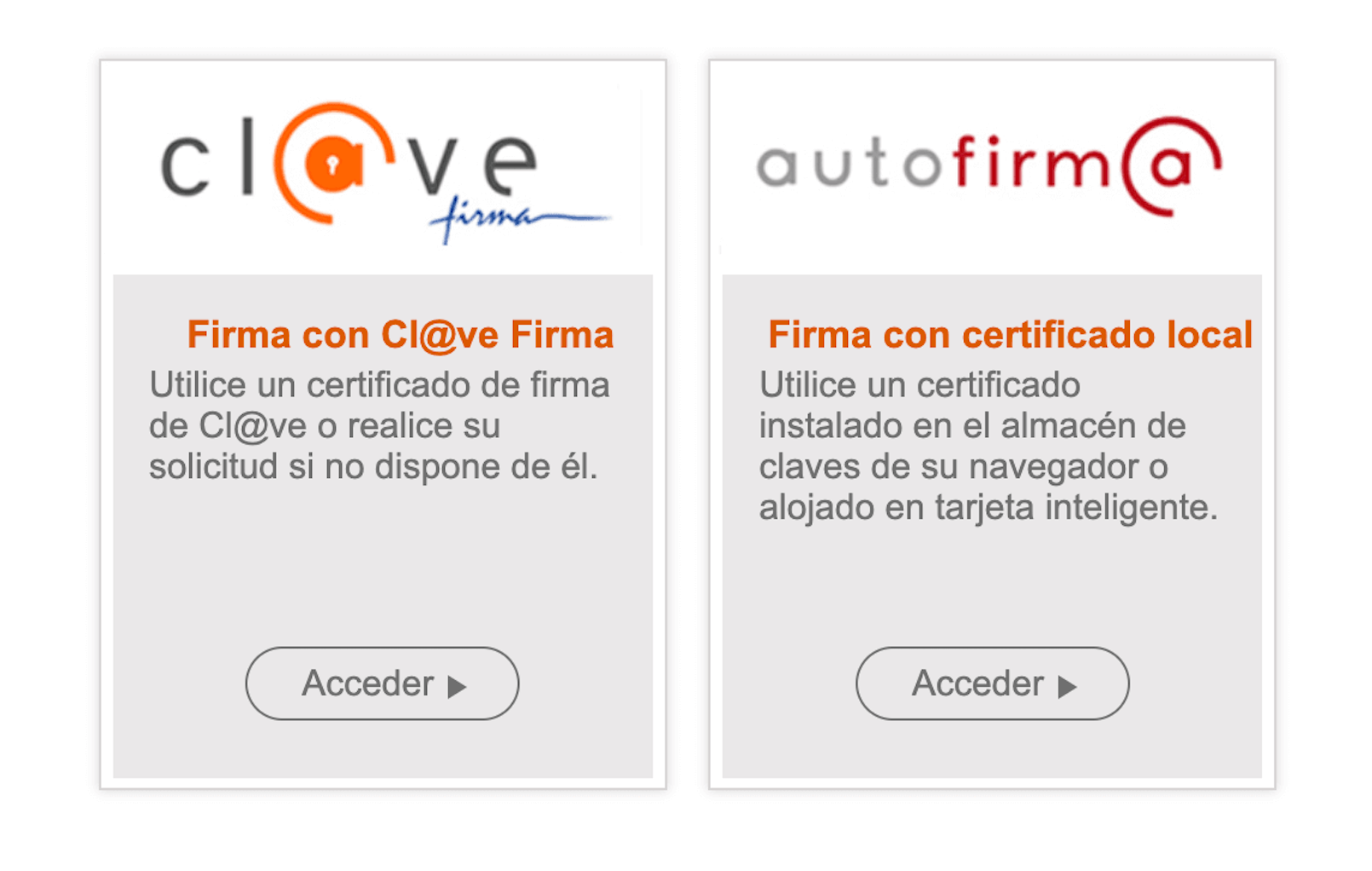
Click ‘Firmar’ (sign) and choose your preferred digital signing method.
10. Confirmation
Once you have signed the registration, you will receive two emails:
- An email with your registration number, accommodation provider code and establishment codes (one for each property).
- Another email with your username and password for submitting information through web services such as iButlers.
Keep the information in these two emails safe, as you will need it to send your guests' details through services such as iButlers.
If you have trouble registering, you can always hire us to register your tourist accommodation with SES Hospedajes for you.
The video is optional and will only connect to YouTube when you activate it.
11. Automate
The final step is to automate submission to SES Hospedajes with iButlers. Our solution helps you comply with the regulations quickly and efficiently:
🚀 Online check-in form: Let your guests register easily before they arrive.
📤 Automatic data submission to SES Hospedajes: Forget manual processes; we do it for you.
🔒 Secure storage for 3 years: Comply with legal requirements by storing data securely.
✅ With iButlers, you automate your management and avoid errors. All for just €1.50 a month!
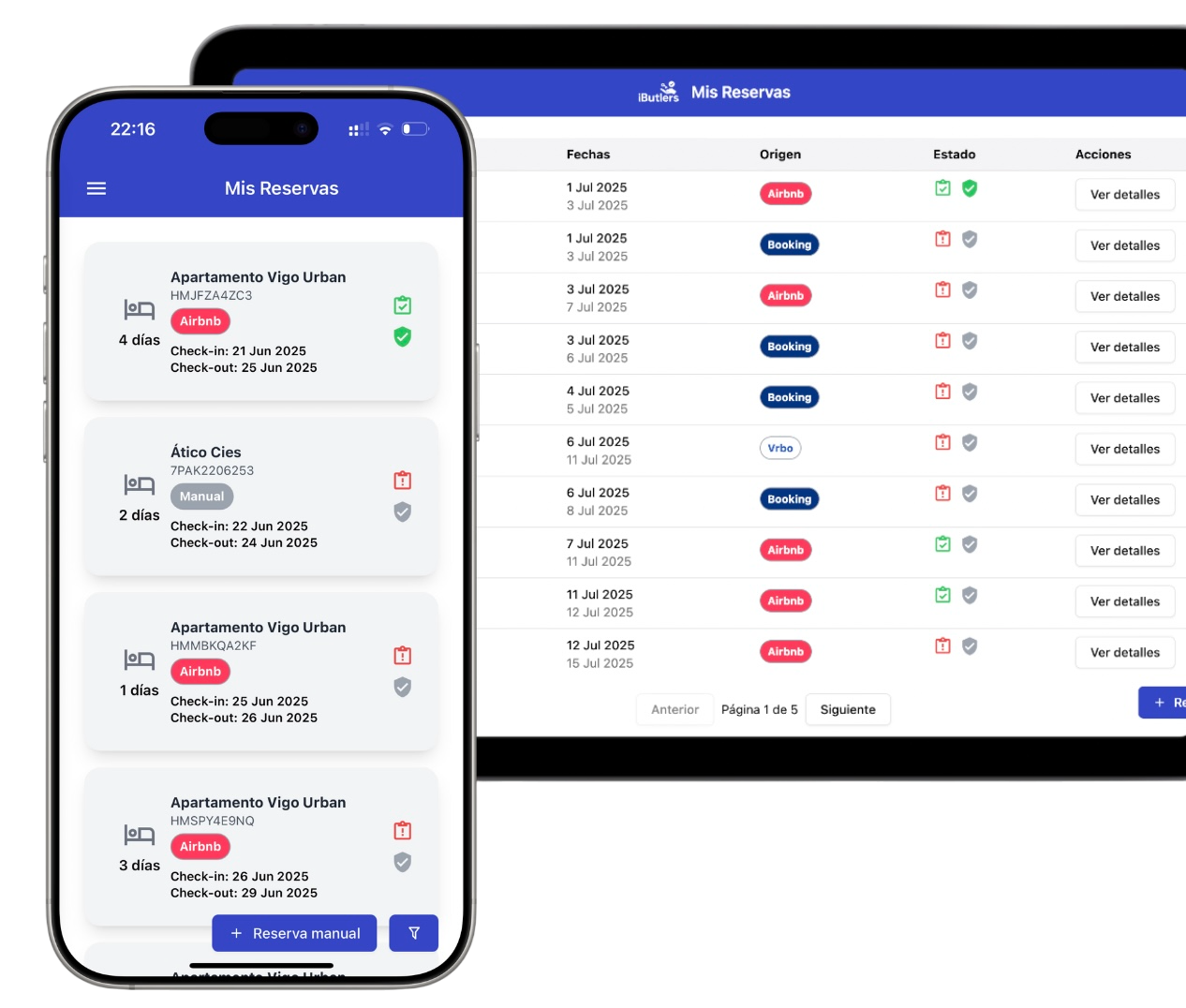
💡 iButlers, the best solution
Automate compliance with Royal Decree 933 2021 and the GDPR without complications. We collect only the data required by law, without storing copies of documents.
- Legal and secure identity verification
- Automatic submission of reports to the Ministerio del Interior
- Protecting your guests' privacy
✅ Visit our website or email contacto@ibutlers.com