Where to find your Booking calendar
Looking for your Airbnb calendar to connect it to iButlers? Here is how to find it.
- Log in to the Booking extranet.
- Go to “Calendario y precios” (Calendar and pricing), then to “Sincronizar calendarios” (Synchronise calendars).
- Click “Conectar un calendario” (Connect a calendar).
- Click “Saltar este paso” (Skip this step).
- Enter iButlers as the connection name and click “Exportar calendario” (Export calendar).
- Click “Copiar enlace” (Copy link), then “Listo” (Done).
- At the bottom right of the screen, you will see a panel titled “Decide qué quieres exportar” (Decide what you want to export).
- Select “Solo las fechas reservadas” (Booked dates only) and click “Guardar” (Save).
- Go to your property in iButlers, paste the link into the relevant field (Booking calendar) and click “Guardar” (Save). Make sure you select the correct property.
⚠️ Important notice
You must export booked dates only when synchronising your calendar.
To export your Booking.com calendar, click “Copiar enlace” (Copy link) and paste the link into the relevant field in the external calendar, for example on the iButlers calendar synchronisation page. Under “Opciones de exportación” (Export options), choose whether to export “Solo las fechas reservadas” (Booked dates only) or “Las fechas reservadas y cerradas” (Booked and closed dates).
Official source: https://partner.booking.com/…
If you have trouble exporting the calendar or need to do it from a smartphone, visit the official Booking page.
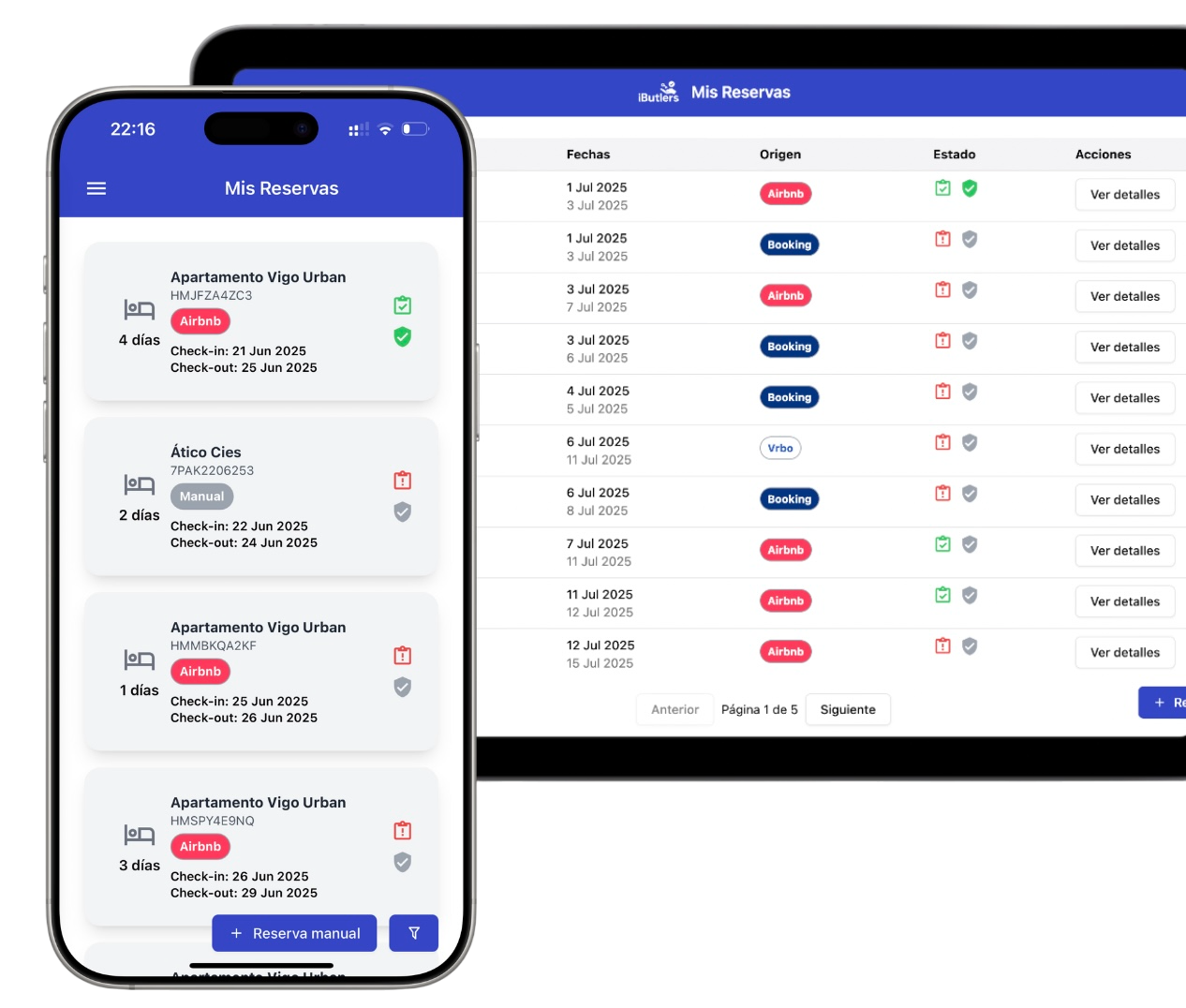
💡 iButlers, the best solution
Automate compliance with Royal Decree 933 2021 and the GDPR without complications. We collect only the data required by law, without storing copies of documents.
- Legal and secure identity verification
- Automatic submission of reports to the Ministerio del Interior
- Protecting your guests' privacy
✅ Visit our website or email contacto@ibutlers.com