Setting up accommodation in iButlers
The first thing you need to do is add your properties. To get started, select “Alojamientos” (Properties) from the main menu, click “Añadir” (Add) and fill in the details to suit your needs.
- “Nombre del alojamiento” (Property name): this will identify the property for both you and your guests on the registration forms.
- “Descripción” (Description): for your internal use, to help you identify the accommodation. Guests cannot see it on the guest report.
- “Conexión iCals” (iCal connections): add the iCal link from Airbnb and/or Boking.com and/or Brvo to sync and create bookings automatically.
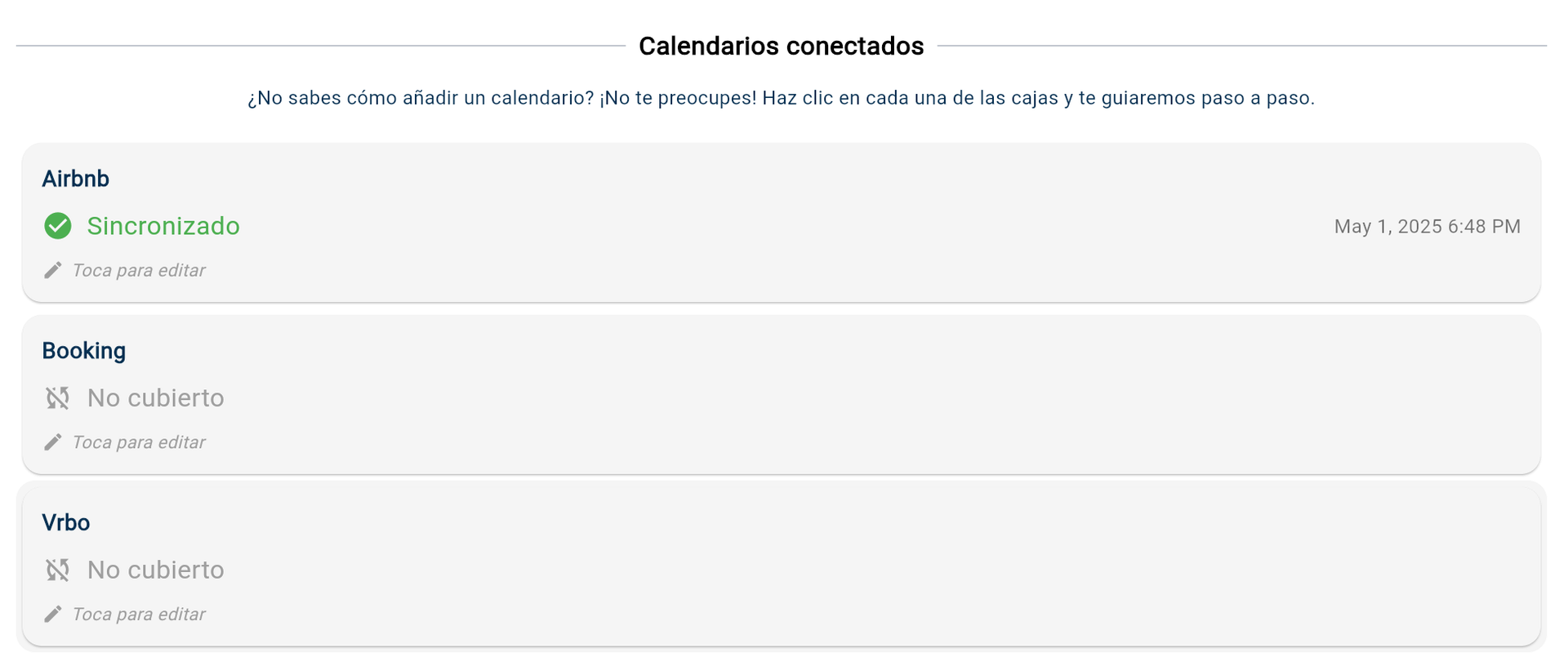
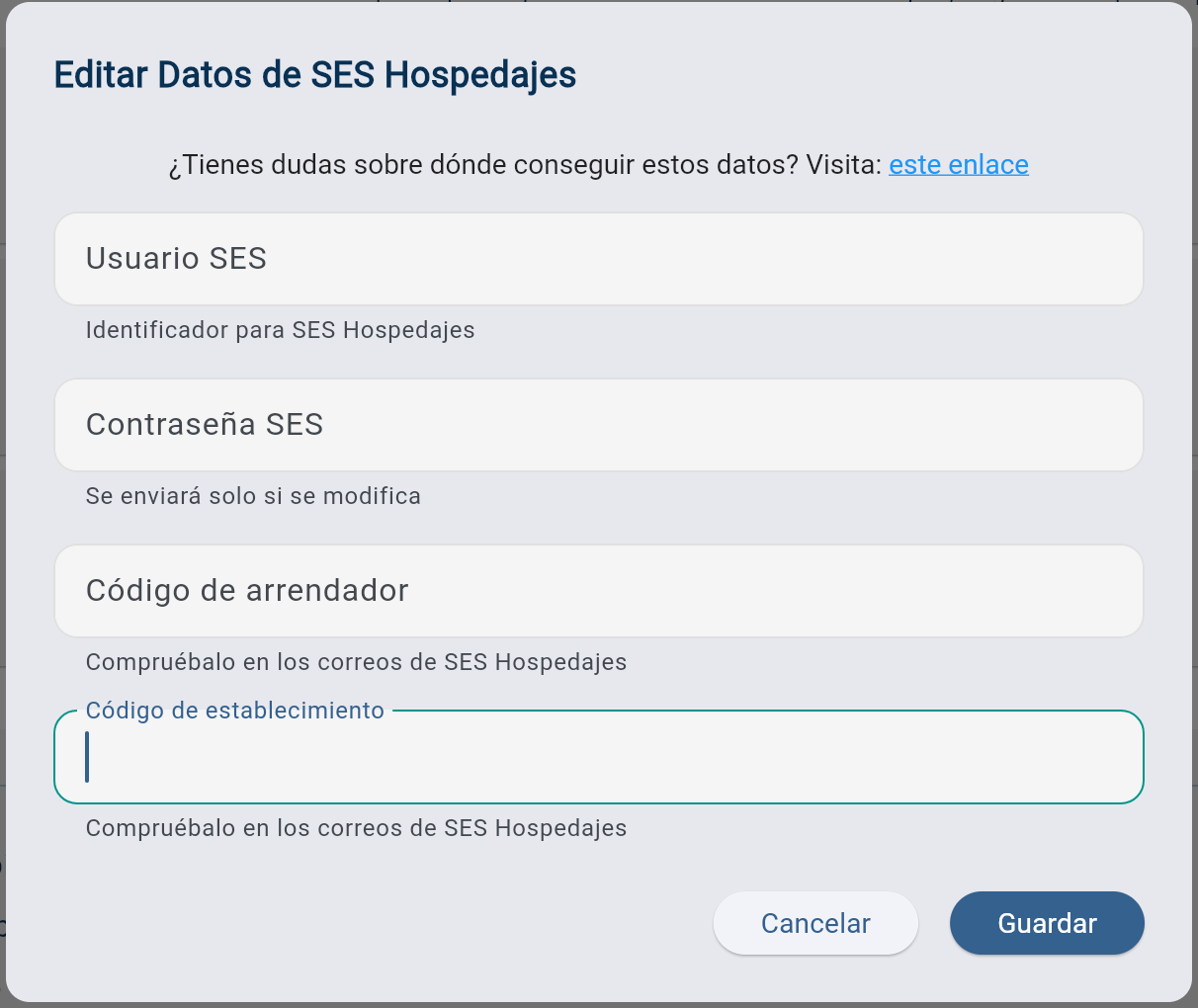
- SES Hospedajes: connect the account credentials for the local authorities to submit guest registration forms automatically.
Within the property settings, go to the SES Hospedajes section and click to edit
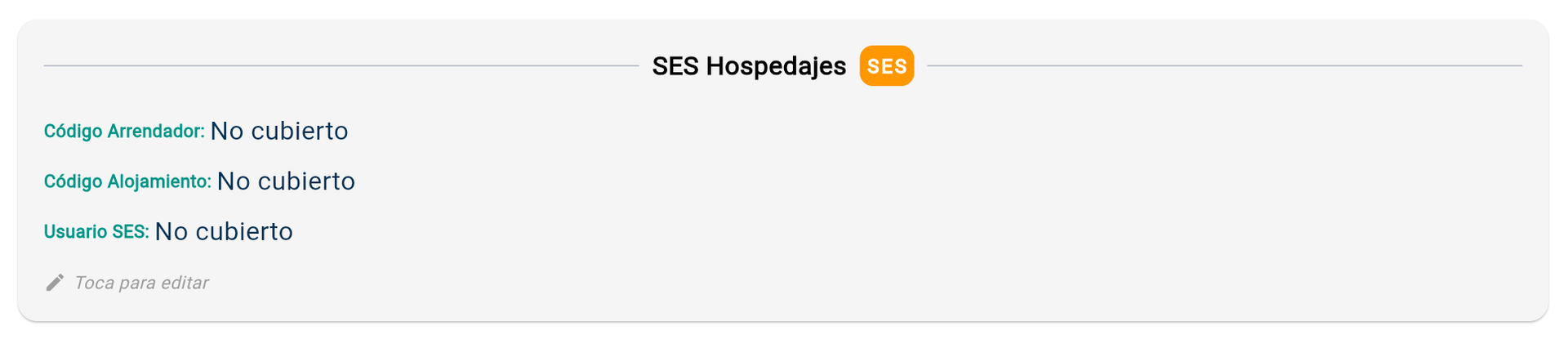
Next, enter the requested details. If you do not know them, the following link explains how to find them; Obtain a web service username and password for SES Hospedajes