Vrbo message template for the form
Sending your Vrbo guests a message that includes the iButlers link for registering data in SES Hospedajes cannot be automated. However, you can create a template to make it easier to send the message for each booking. Follow these steps:

1 – Sign in to Vrbo and go to “Espacio propietario” (Owner area).
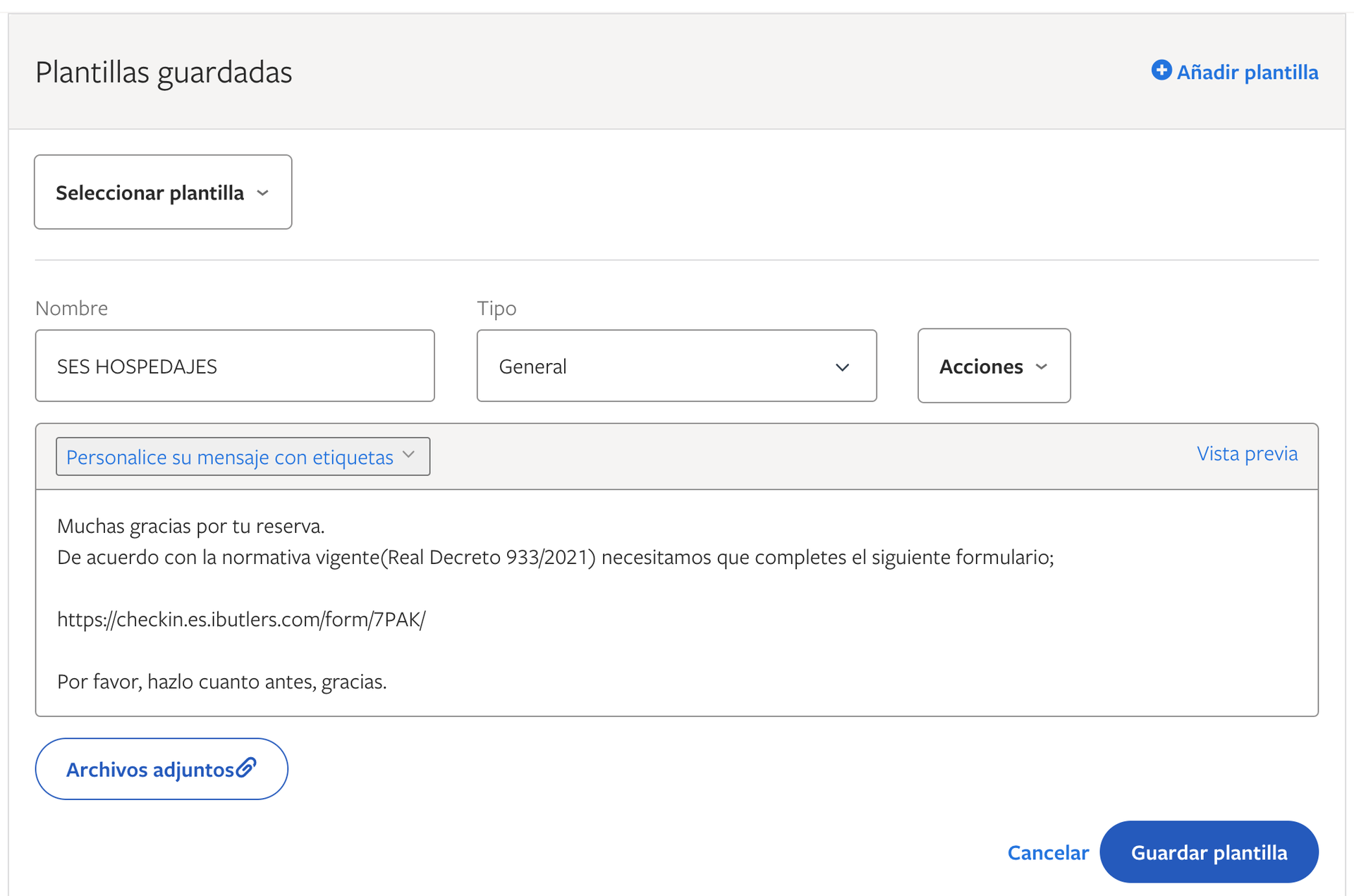
2 – Click the “Bandeja de entrada” (Inbox) tab and select “Plantillas” (Templates).
3 – Click “Añadir plantilla” (Add template).
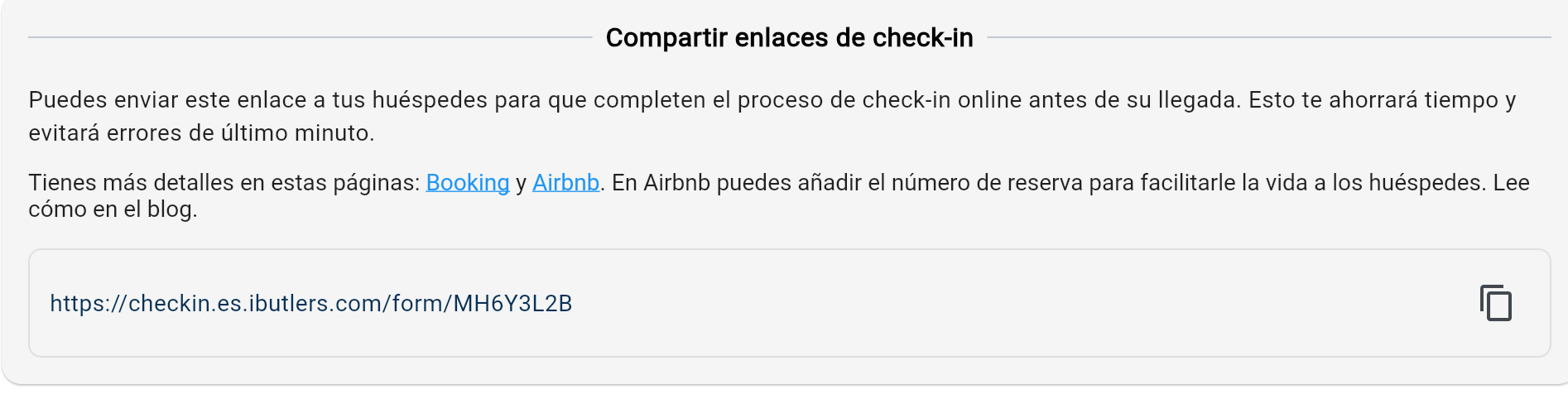
4 – Add your preferred text, for example the message below, and remember to include your own link to the property’s form.
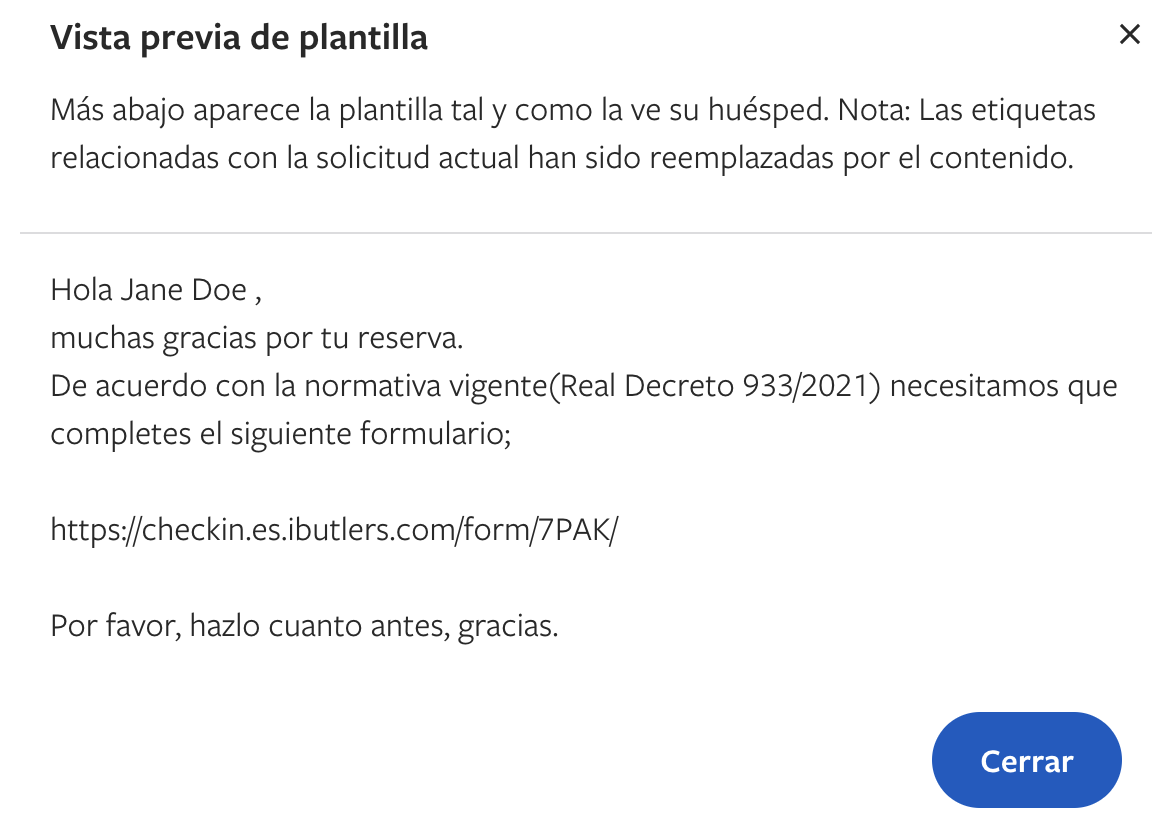
You can now select the template to send without having to type out the full message every time you receive a booking.