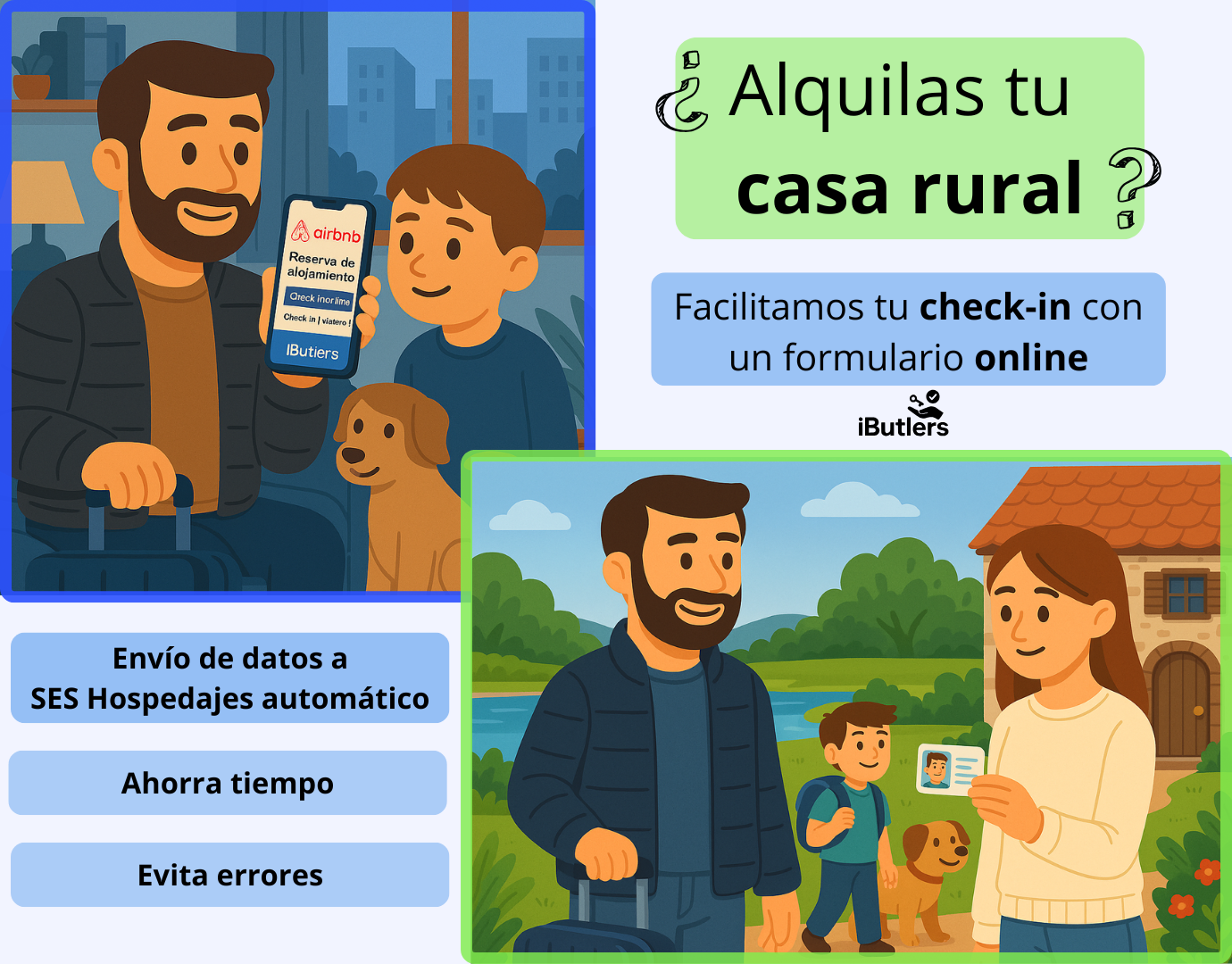
How to open the communal entrance from your mobile or automatically for your guests
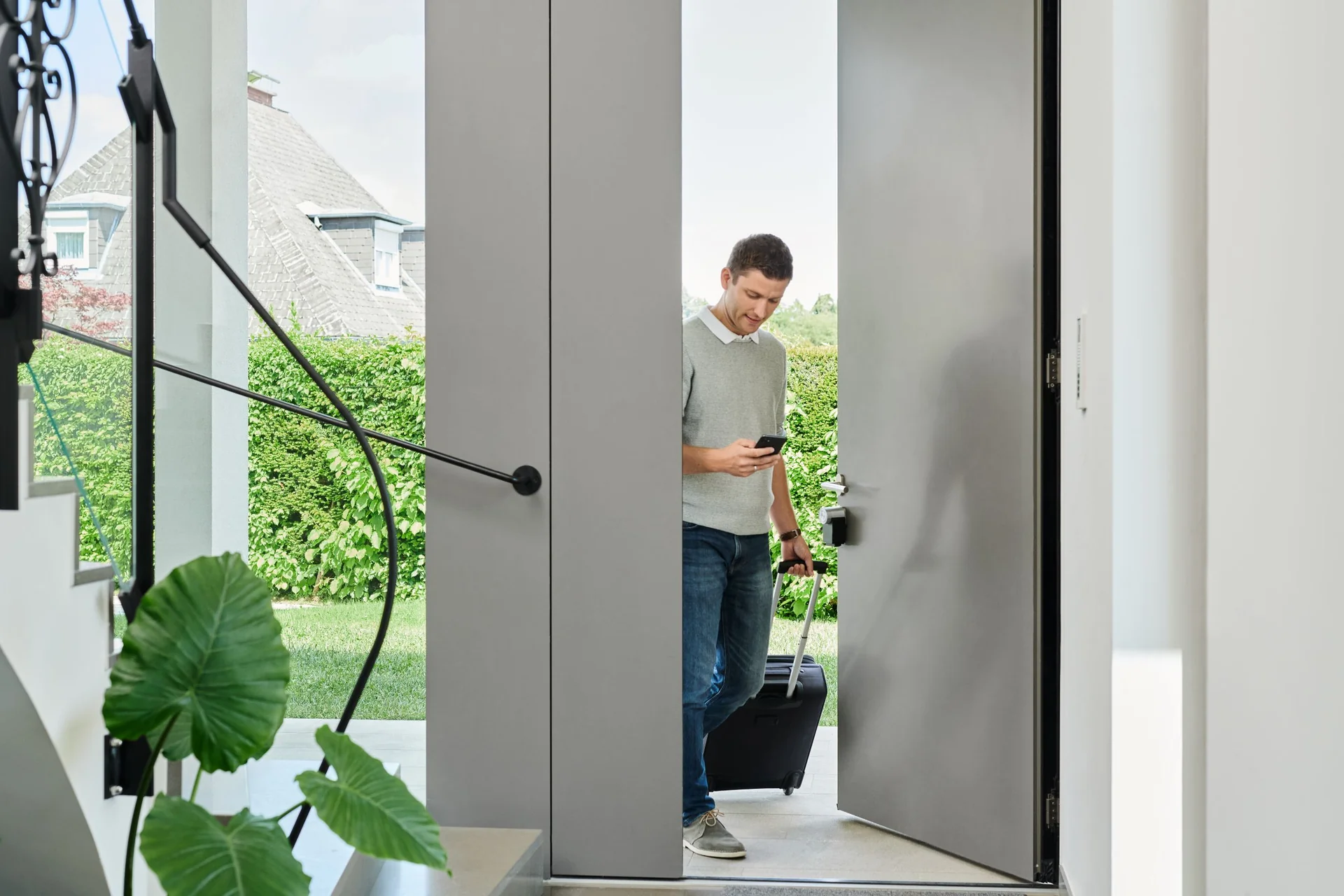
If you manage a holiday apartment, you know that the check-in experience can make the difference between a good review and a complaint. One of the most common problems is access to the building's communal entrance: even if you have a smart lock on the apartment door, your guests still need to get through the building's main entrance first.
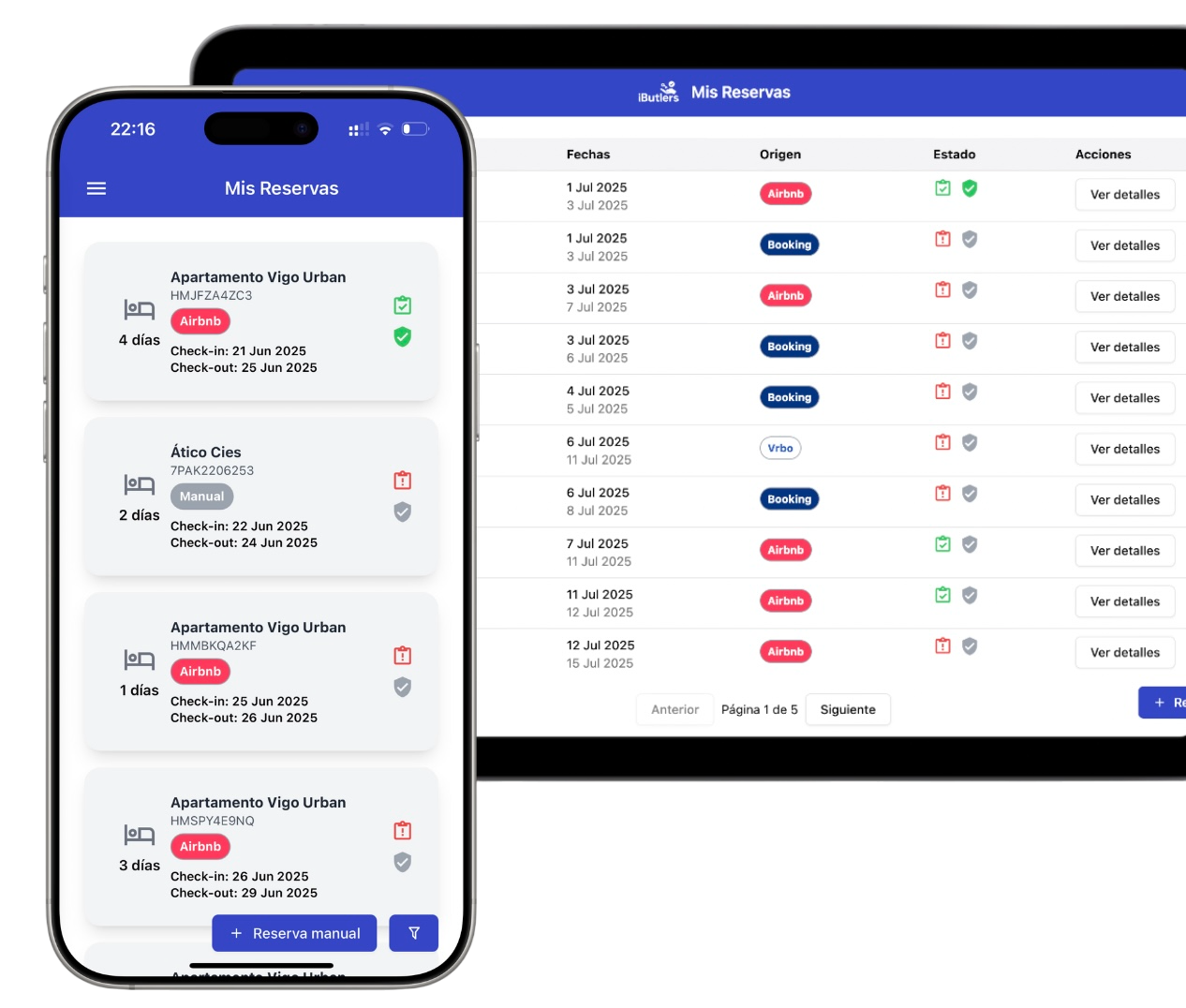
💡 Tired of guest registration? Did you know you can automate data collection and submission to the authorities?
With iButlers, you manage the entire process securely, legally and without hassle.
The solution lies in devices such as Ring Intercom and Nuki Opener, which turn your intercom into a smart intercom and let you open the building’s main entrance remotely, from your mobile or automatically.
Ring Intercom: an affordable way to open the building’s main entrance from your app
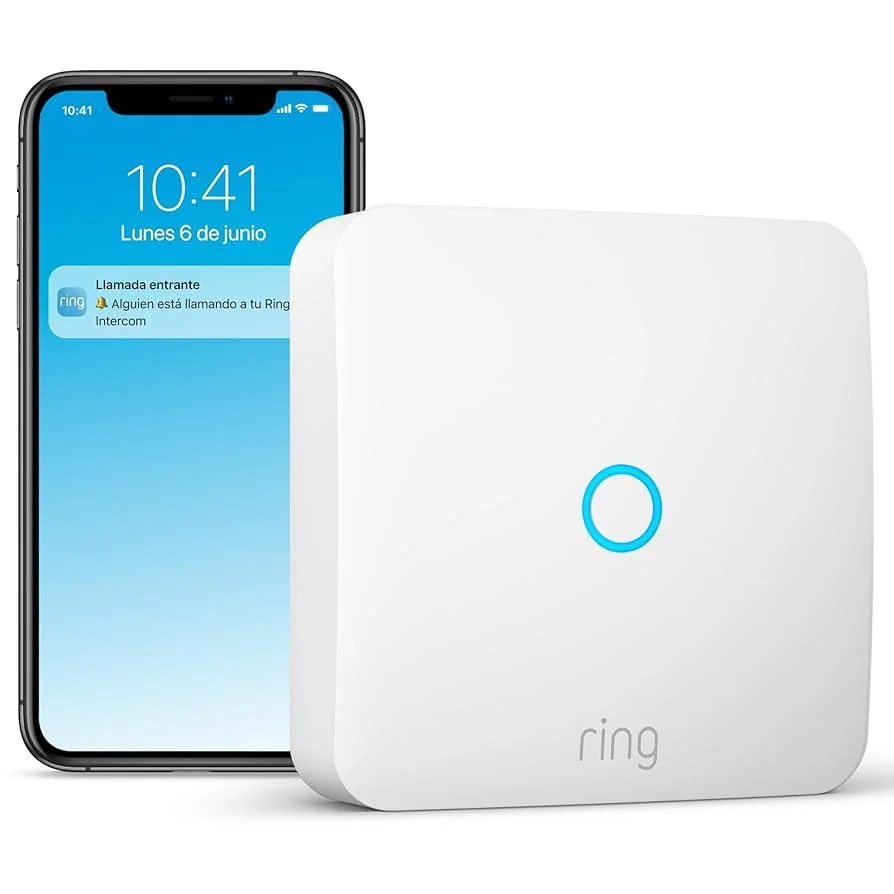
Ring Intercom connects to your property's existing intercom and lets you:
- Give guests access directly from your mobile.
- Share temporary access with your tenants, without handing over physical keys.
- Know when they arrive thanks to real-time notifications.
Ideal if you want a simple, affordable way to control guest access and make arrival easier.
Remember that with our platform iButlers you can automate the check-in form.
Check whether your intercom is compatible with Ring at ring.com/compatibility
Find the make and model of your current intercom.
Nuki Opener: fully automated check-in
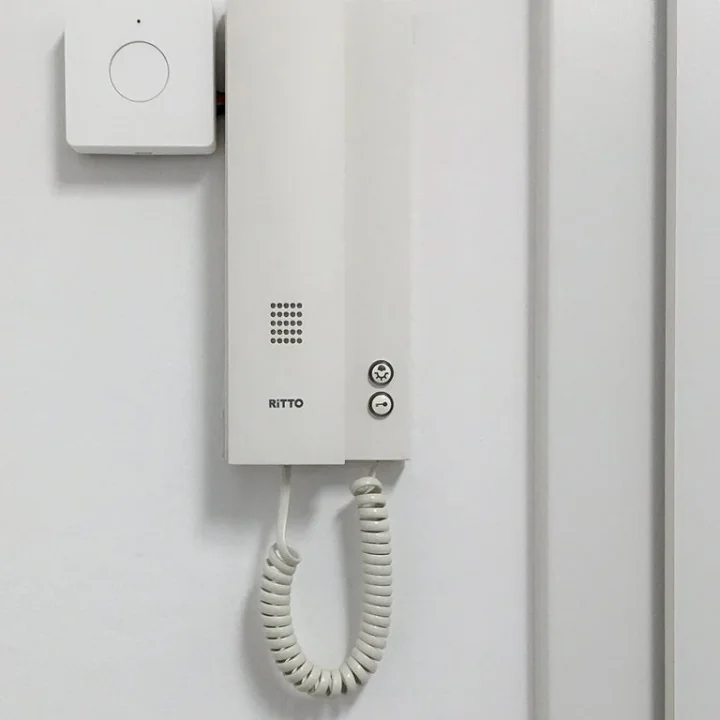
The Nuki Opener also turns your intercom into a smart intercom and stands out for:
- Automatic opening when your guests arrive (no need to ring the bell).
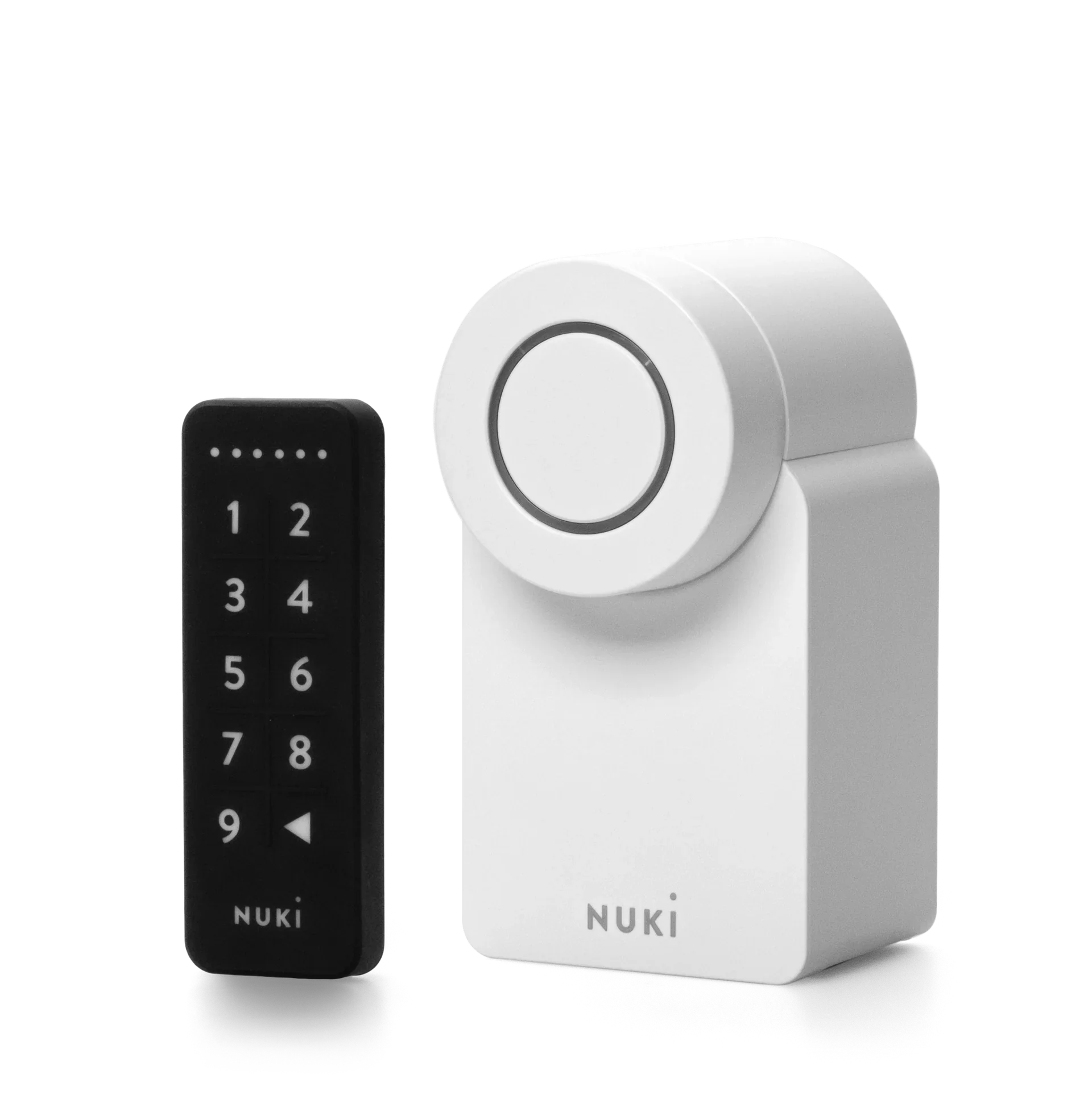
- The option to integrate access to the building and the apartment with the Nuki Smart Lock.
- Manage access 100% remotely, even when you are out of town.
- When bookings are synchronised, temporary digital codes are generated and sent for each booking by iButlers once guests complete the check-in form.
Perfect for those looking to automate check-in without being physically present.
Find out how to install it on the website of Nuki.
💡 iButlers, the best solution
Automate compliance with Royal Decree 933/2021 and the GDPR without the hassle. We collect only the data required by law, without storing copies of documents.
- Legal and secure identity verification
- Automatic submission of reports to the Ministerio del Interior
- Protecting your guests' privacy
- Integration with Nuki Smart Lock: generate unique, temporary access codes for each booking through iButlers, activated at check-in and automatically expiring at check-out. No physical keys or manual handover.
✅ Visit our website or email contacto@ibutlers.com