Registering a property as a representative! SES Hospedajes web service user code and password
The user code we must enter in iButlers belongs to the “Representado” (represented party), not to us.
If you have registered with SES Hospedajes and the property is registered under the “Representado” (represented party), but you cannot find the details needed to submit your guests’ data through web services, follow the steps below to obtain:
- ‘Código de arrendador’ (landlord code)
- Establishment code
- Web service username (of the party we represent)
- Web service password
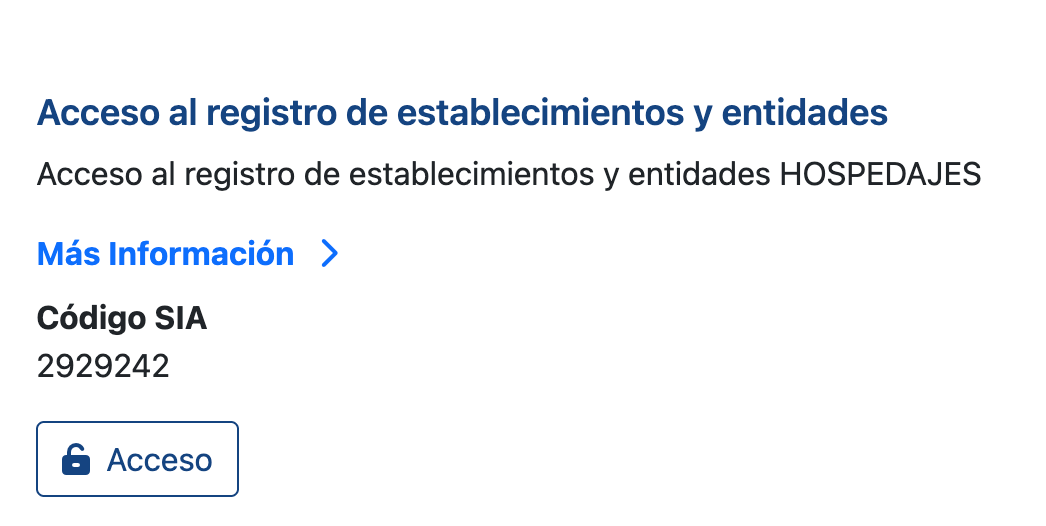
1. Open the SES Hospedajes portal using this link and select Access the establishment and entity register (‘Acceso al registro de establecimientos y entidades’).
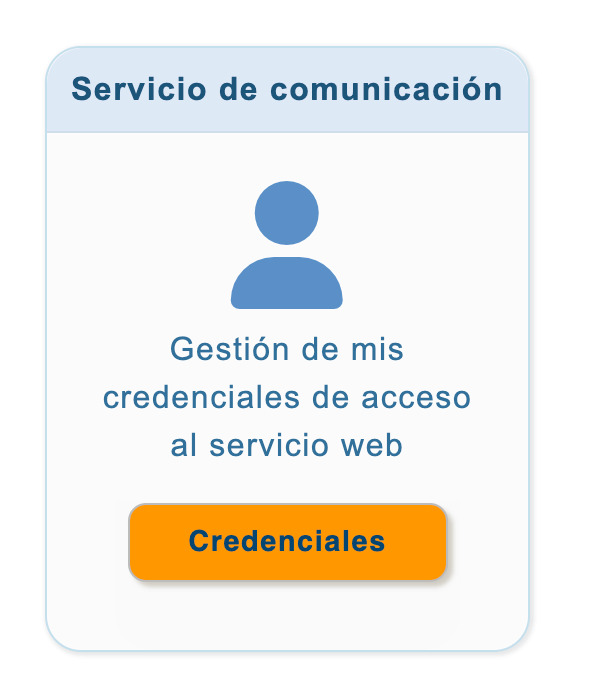
2. Click “Acceder” (Access) in the “Servicio de comunicación” (Communication service) section under “Credenciales” (Credentials).
3. Select the identity you represent.
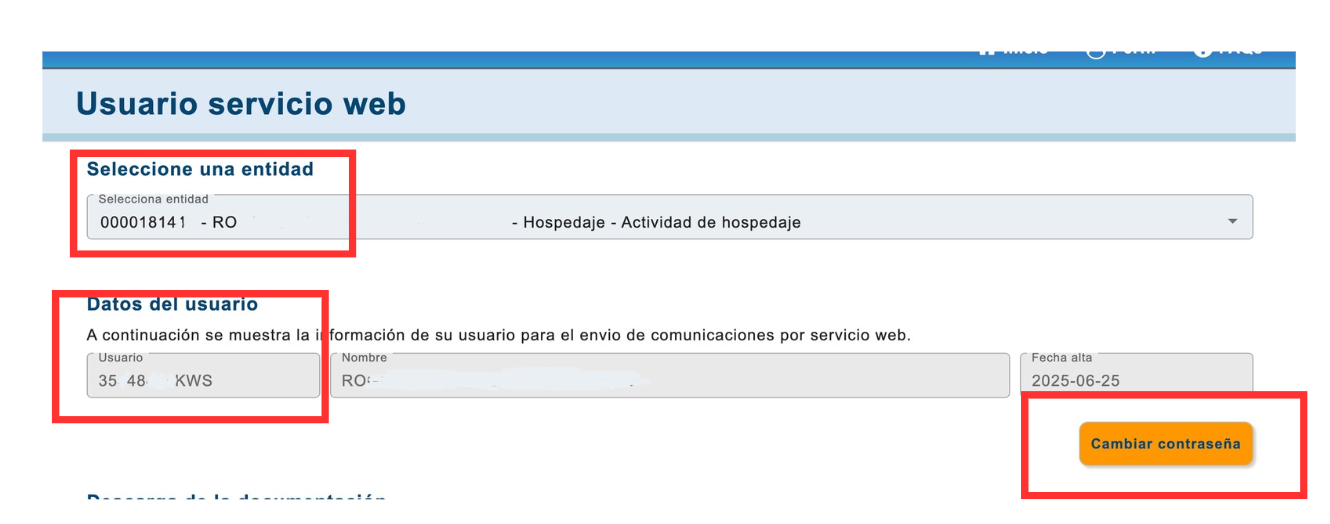
Important: the user code we must enter in iButlers belongs to the “Representado” (represented party), not to us, as shown here. We change the web services password at this step.
It is the web services password, not the password of the user we represent; their own is not affected by the change.
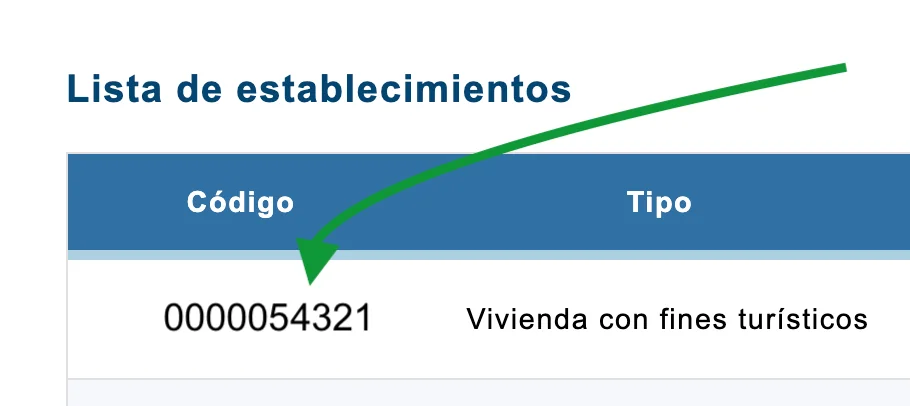
4. Follow these steps to find the establishment code.
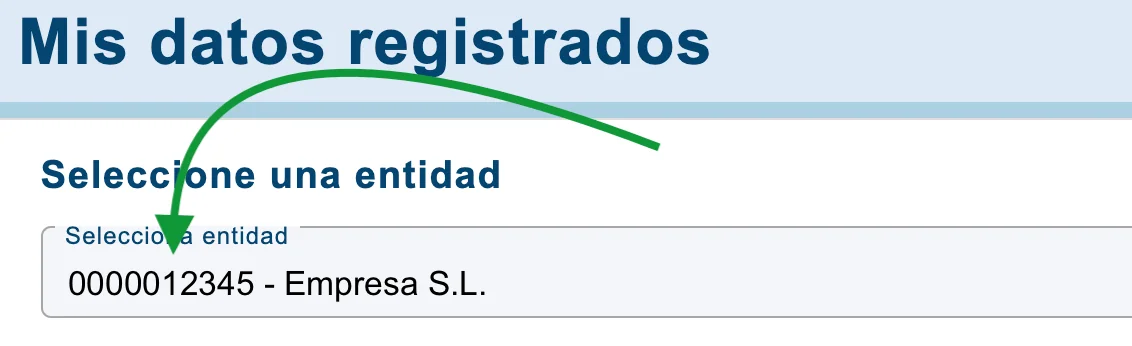
Open “Mis datos registrados” (My registered details), select “Entidad” (Entity), and find the establishment code (“Código de establecimiento”) in that entity’s list of establishments.
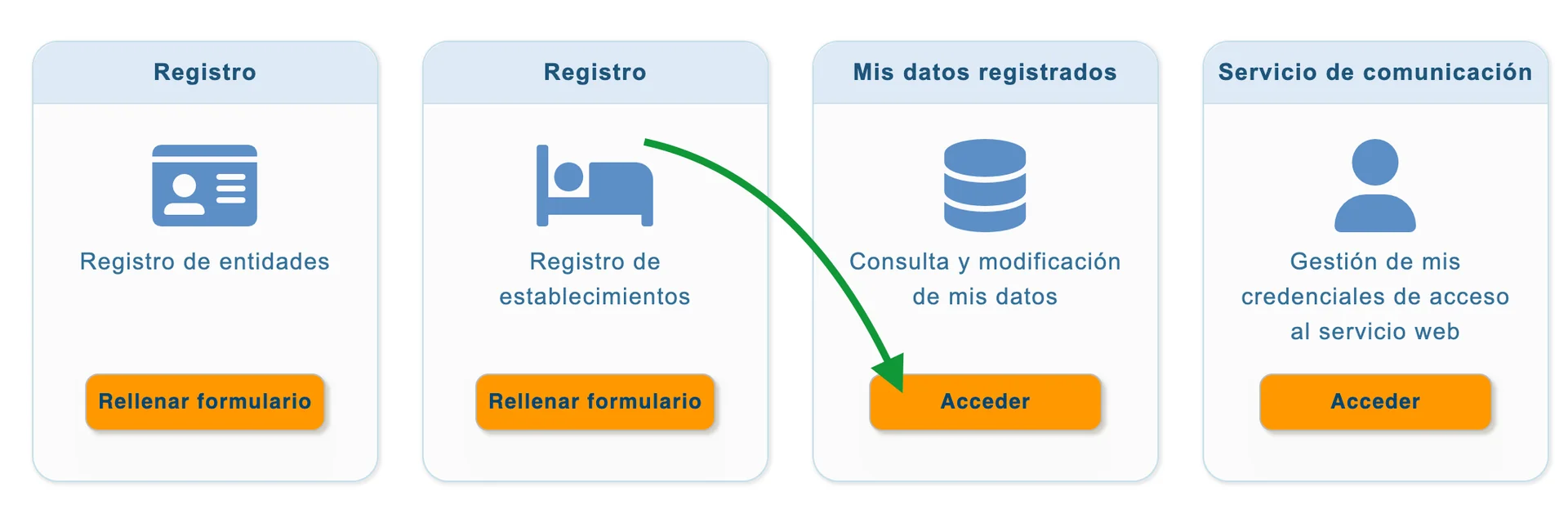
Remember: when we act on someone’s behalf, the web services user code always belongs to the “Representado” (represented party).
💡 iButlers, the best solution
Automate compliance with Royal Decree 933 2021 and the GDPR without complications. We collect only the data required by law, without storing copies of documents.
- Legal and secure identity verification
- Automatic submission of reports to the Ministerio del Interior
- Protecting your guests' privacy
✅ Visit our website or email contacto@ibutlers.com