Hostex integration with iButlers

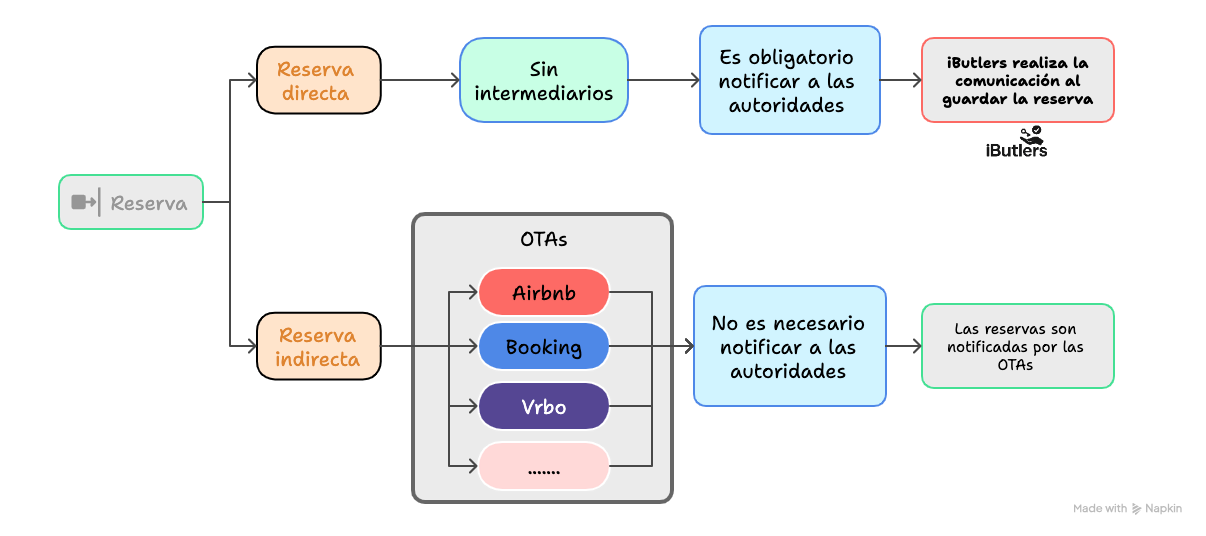
The new iButlers integration with Hostex lets you sync bookings automatically to create check-in forms.
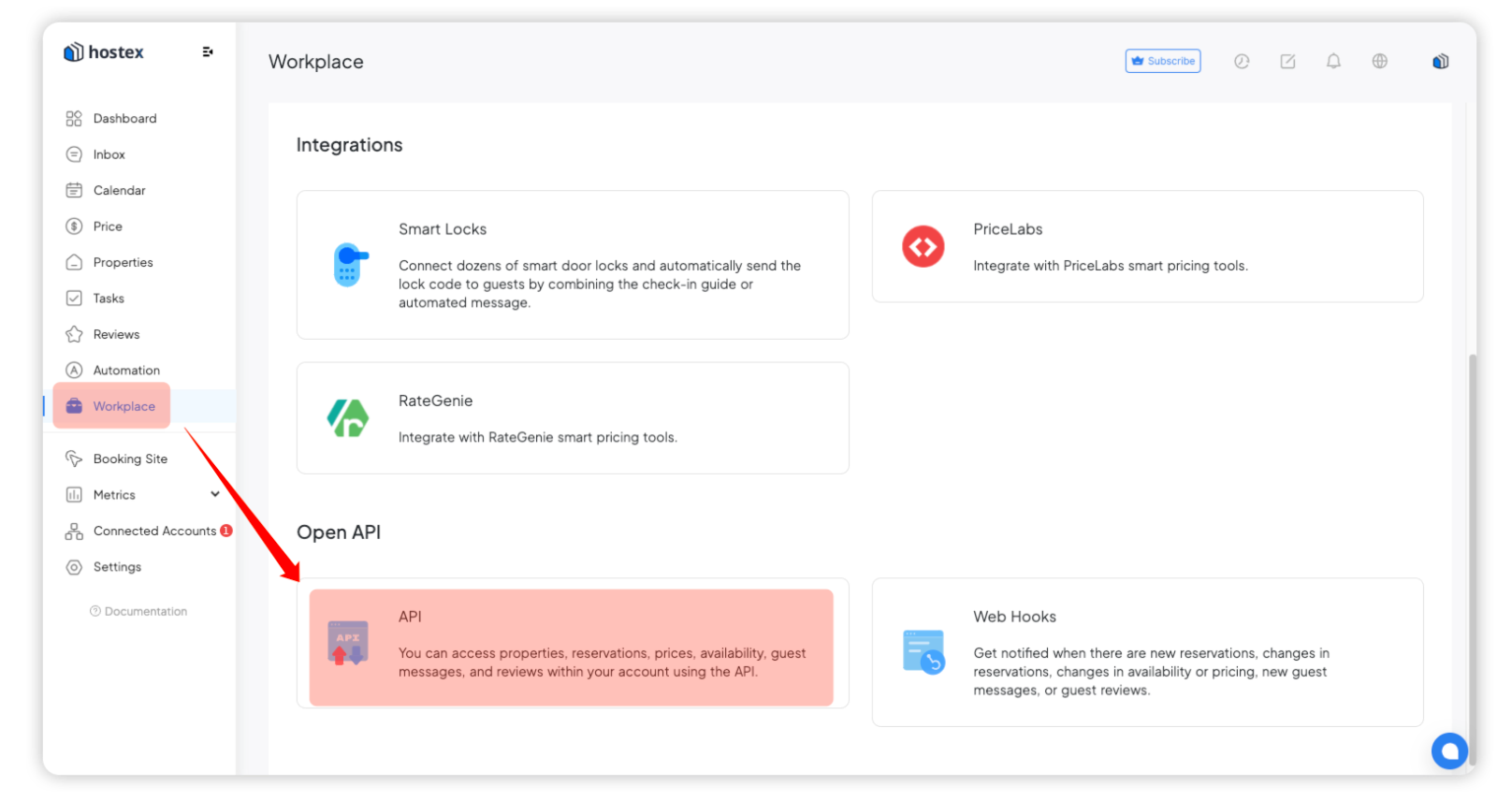
Step 1: Access OpenAPI from WorkPlace.
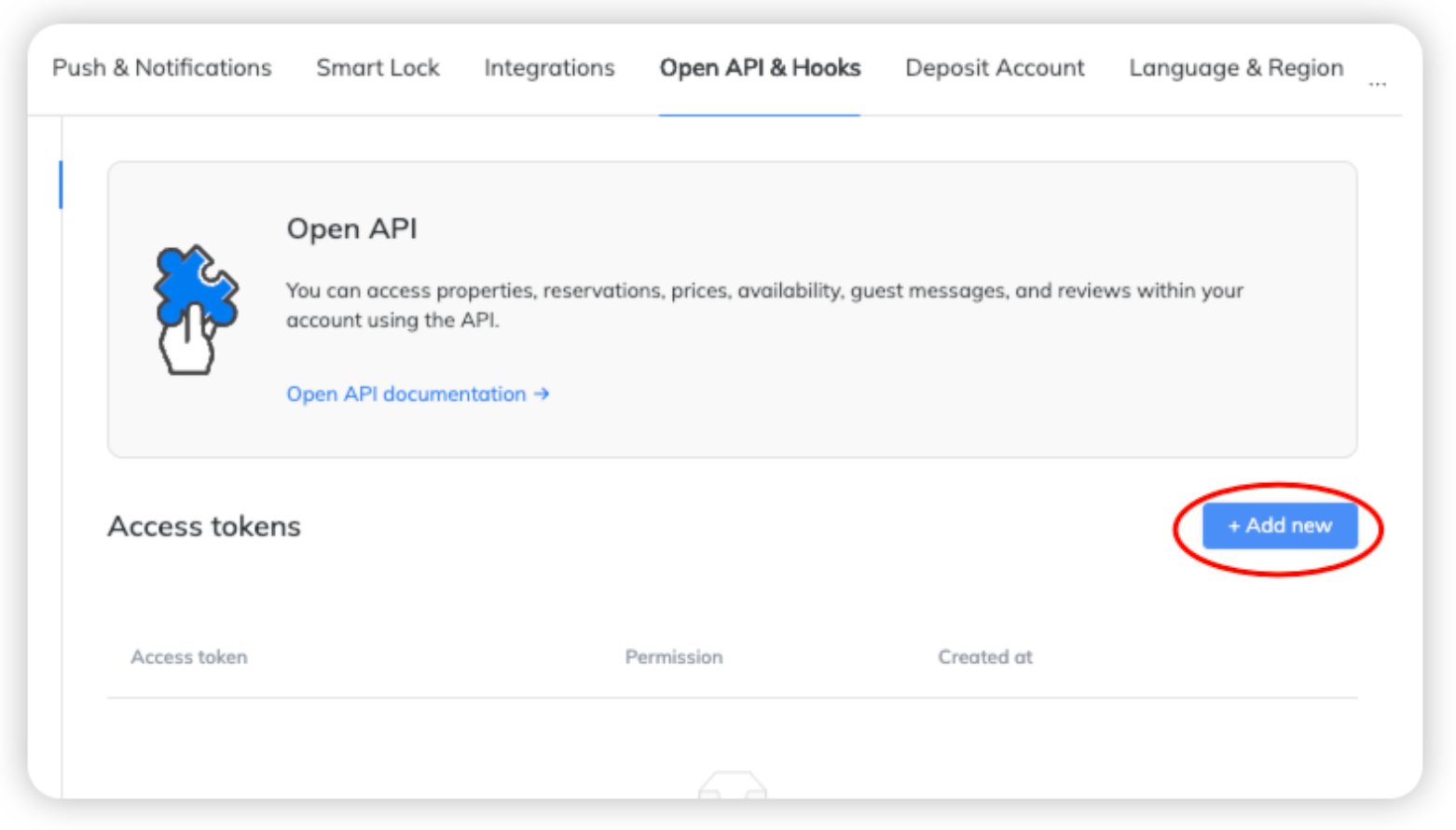
Step 2: Click ‘+Agregar nuevo’ (Add new) to add a new Access Token.
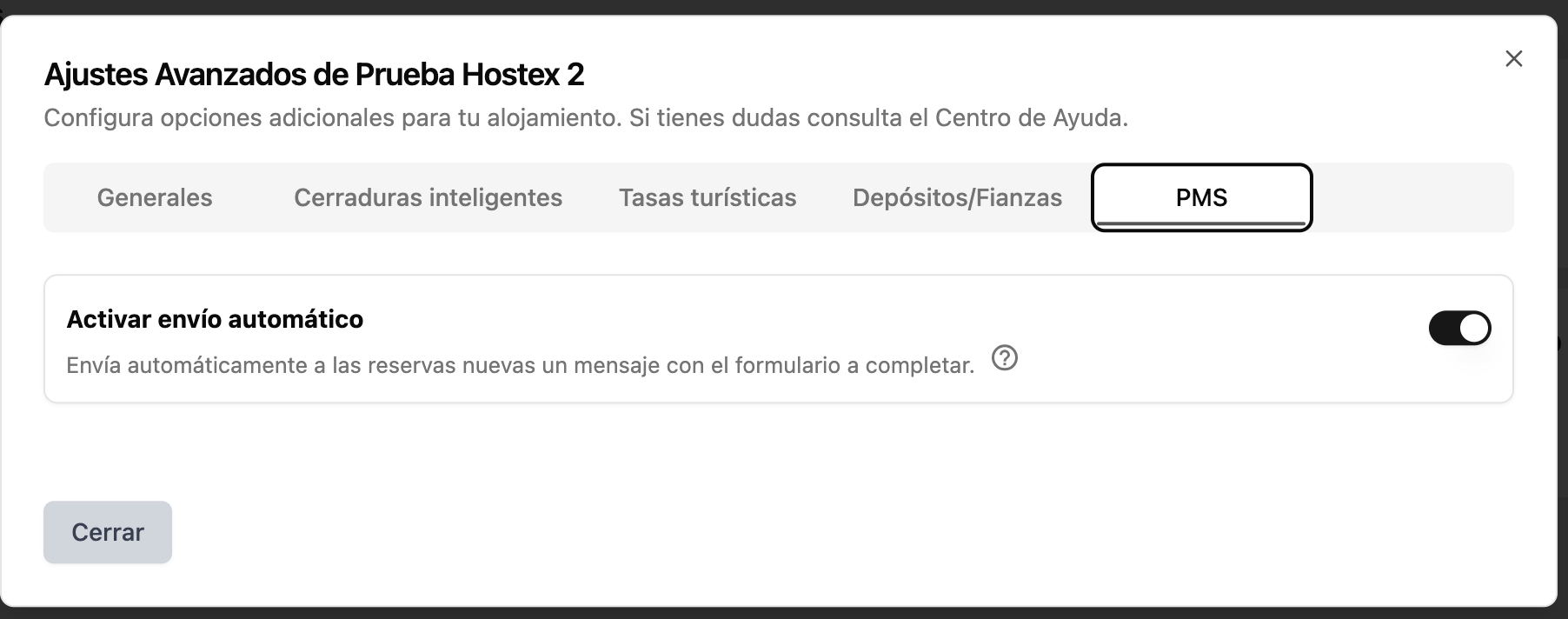
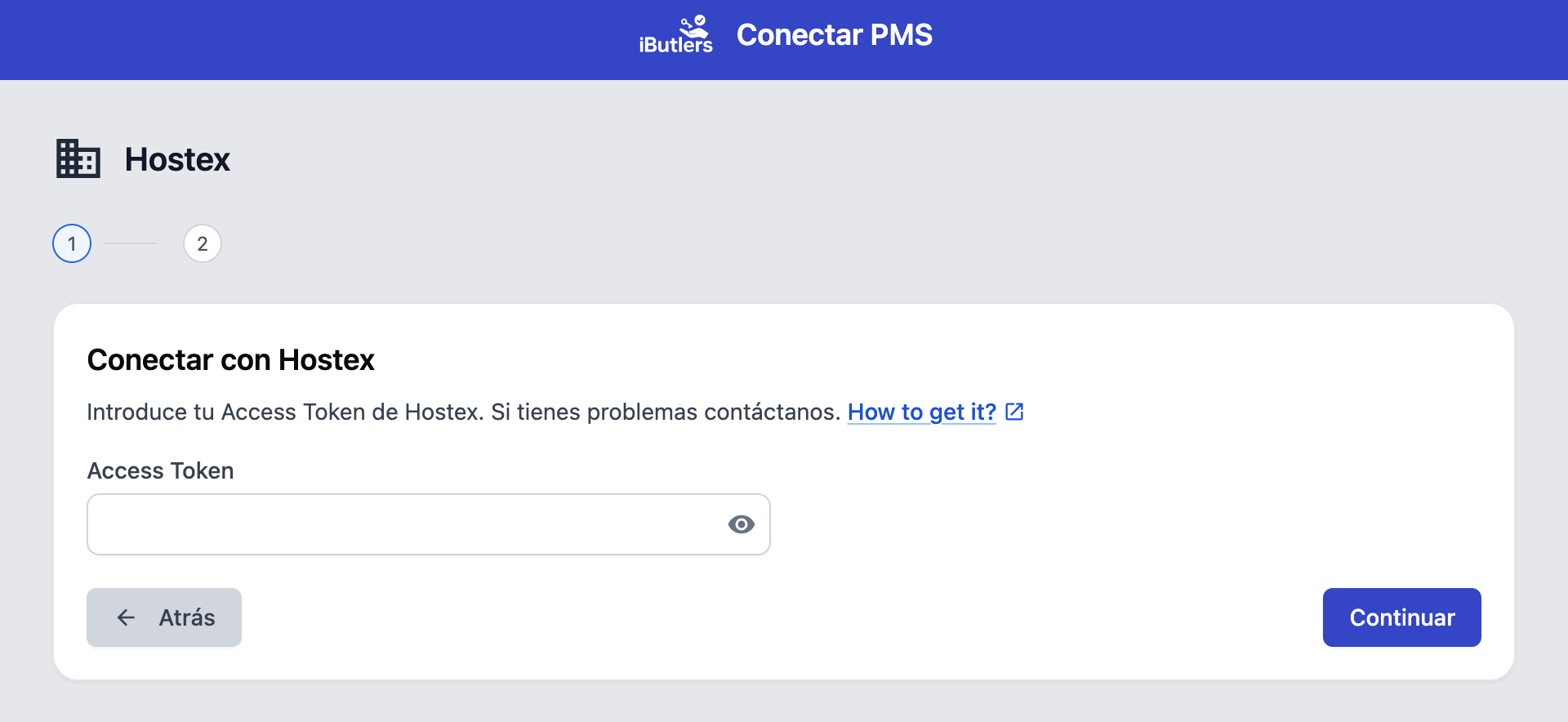
Step 3: Add the token in the iButlers app under ‘Gestión avanzada’ (Advanced management), then ‘PMS’.
Step 4: Choose whether the form link should be sent automatically for new bookings. You will find this section under ‘Gestión avanzada’ (Advanced management).