
Discover the self check-in revolution.
Imagine never having to travel to hand over keys again.
Your guests will enjoy the convenience and independence of self check-in
- No more trips to the property.
- No more adjusting your schedule to your guests' arrival times.
- Guest registration and access are fully automated.
- Improve your guests’ experience with flexible arrival times.
- Say goodbye to lost physical keys.
- Manage multiple bookings on the same day without complications.
- Keep a record of entries and exits.
Easy, secure access
How self check-in works with smart locks
Your guest can get in without you having to travel to the property: they can use a key kept in a secure key safe or a temporary code for a smart lock.
1
Online registration
The guest completes the online check-in, signs and completes registration in just a few minutes.
2
Access code
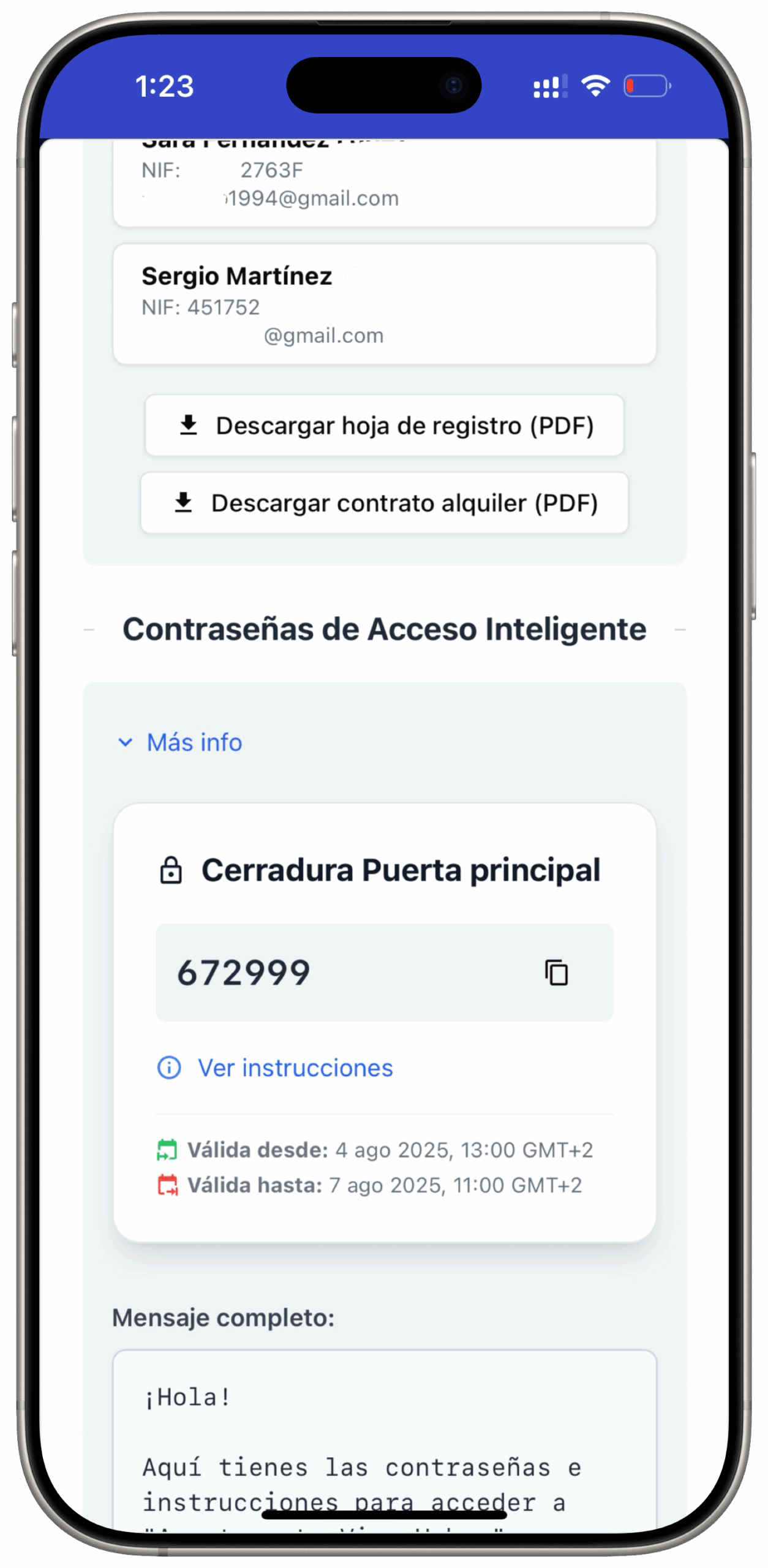
A unique code is generated, and instructions for opening the key safe or smart lock are sent.
3
Access without physical keys
The guest opens the door with the key from the lockbox or the code for the lock, which is valid only during their stay.
NUKI locks
More information
If you do not have a Nuki lock yet but are interested, you can buy one through this link: https://nuki.io/
Referral code: REF-UjszaI2LER Copy
If you already have your lock, to synchronise it with iButlers you need to:
- Go to https://web.nuki.io/#/login
- In the menu on the left, go to the API tab.
- Then go to ‘Tokens API’ (API tokens)
- Click ‘Generar token API’ (generate an API token) and enter iButlers
- Copy the generated token
- Go to the iButlers app: https://app.ibutlers.com/
- Open the “Gestión avanzada” (Advanced management) tab and select the property.
- Go to the “Cerraduras inteligentes” (Smart locks) tab and click “Añadir nueva cerradura” (Add a new lock).
- Select NUKI and paste the token into the “Token de API Nuki” (Nuki API token) field.
- Click “Obtener cerraduras” (Get locks) and select the lock for the property.
TTLock locks
More information
Transform your check-in process today
Sign up now and discover how iButlers can make your life easier.
Still have questions?
Contact us and we will answer your questions.